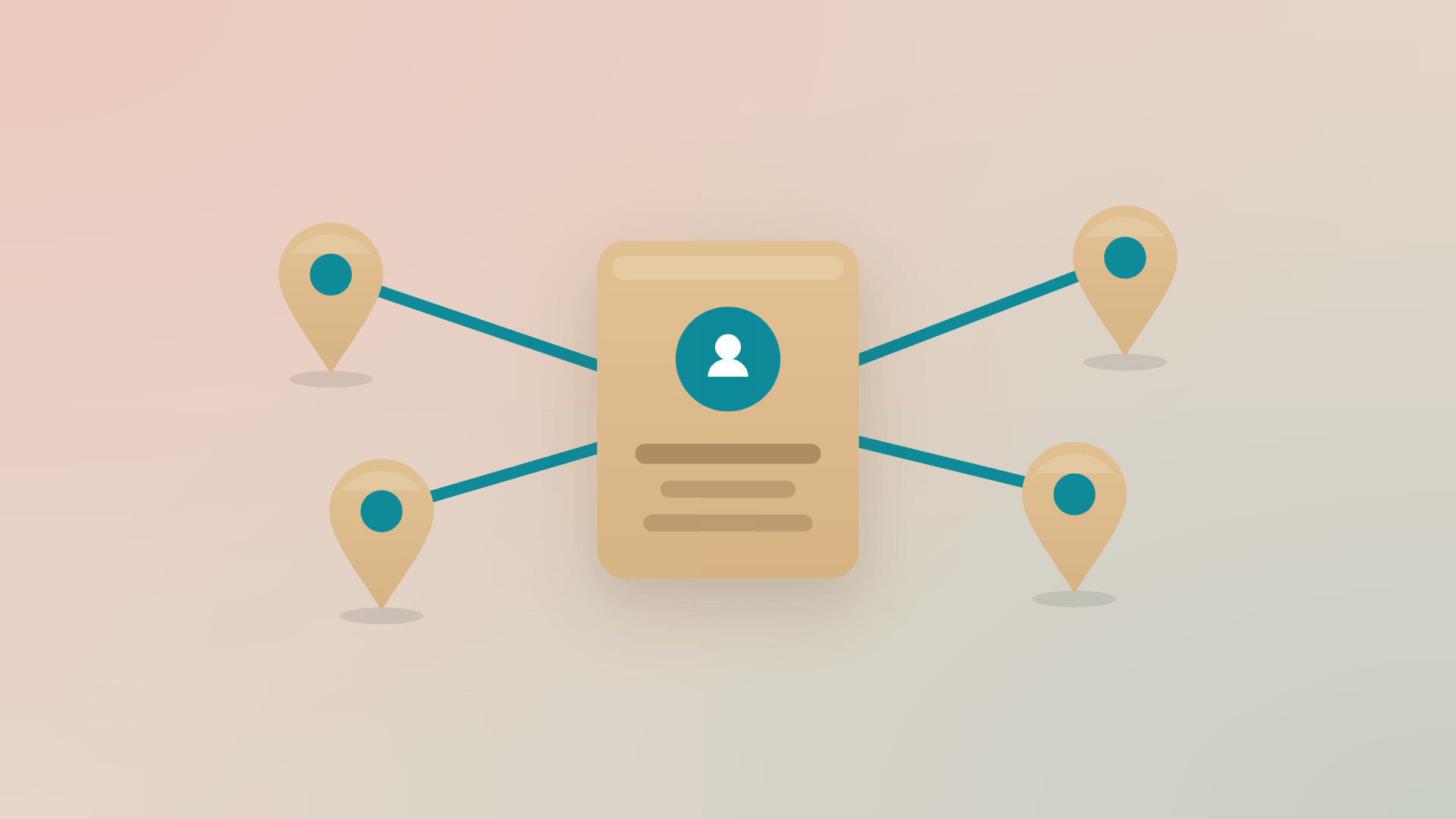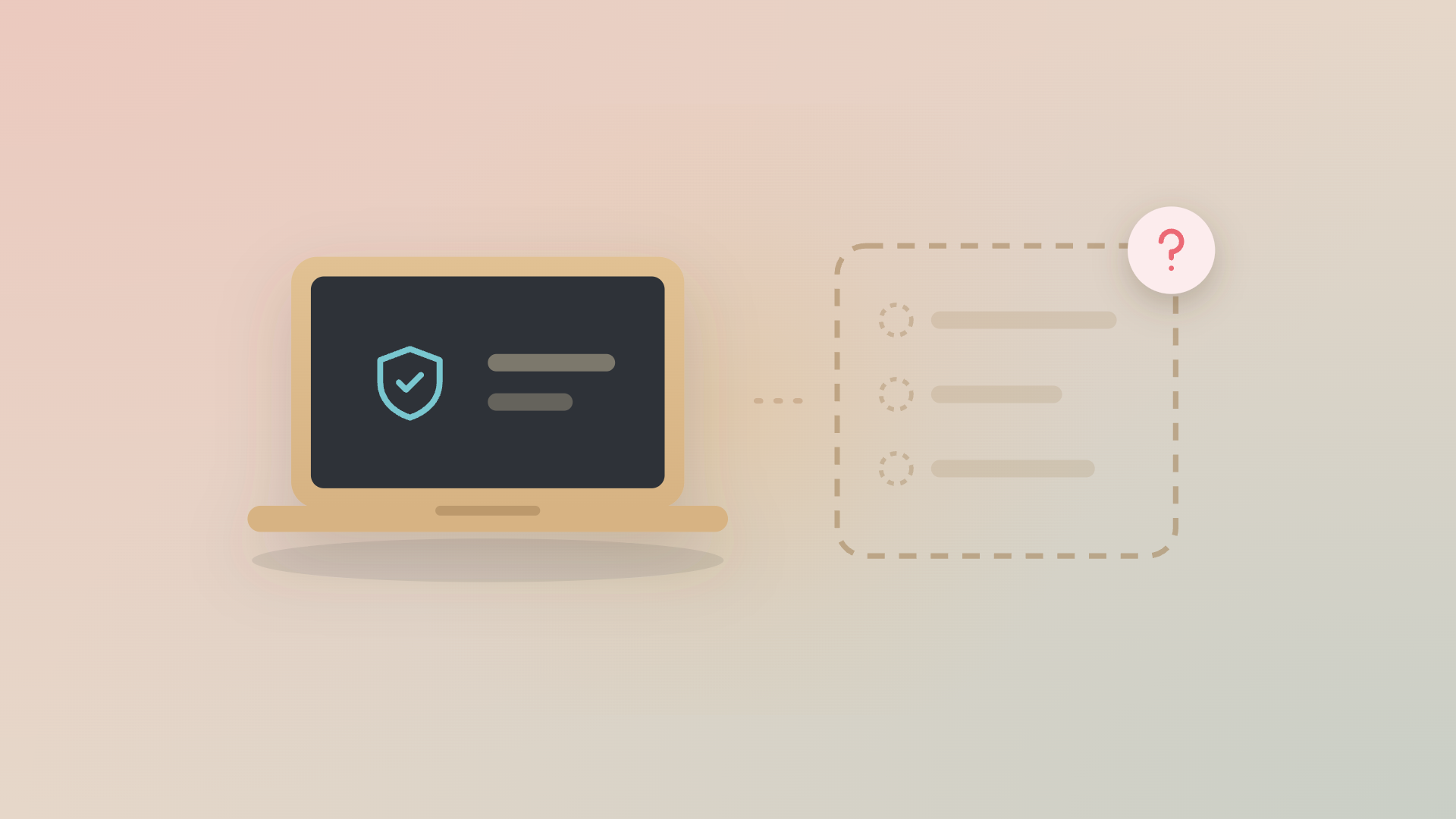


A new hire in London opens their laptop on day one, and fortunately it arrived in time. Behind that moment: HR filled in the onboarding form a week earlier, someone ordered the device by hand from a UK supplier, and a telecom rep nobody at the company has ever met switched on the mobile plan. Four systems, four people, and nothing connecting them. It worked because someone chased it.
Two weeks later, a colleague in Stockholm leaves. The laptop comes back, but the mobile line keeps billing for months and three SaaS licences stay assigned to an account no one uses.
Both events involved the same software: HRIS, MDM, supplier portal, operator portal, identity provider, but none of them spoke to each other.
Remote IT asset management breaks where systems should be talking and aren't. The data already exists across the tools your team uses every day. What's missing is the engine that turns events in one into actions in the others. Here's what changes when you stop treating remote ITAM as a tracking problem.
Why remote IT asset management breaks where office IT held together
When everyone sat in the same office, IT could afford to check the IT storage, go to the person who didn’t return their laptop in time. Distributed teams remove every fallback.
What you're left with is the gap between every system you already run.
- HRIS knows when someone joins and leaves, but not which laptop they got.
- MDM knows which laptops check in, but not who owns them this quarter.
- The hardware supplier knows what they shipped, but not when it came back.
- The mobile operator knows what they're billing, but not that the employee left.
Each tool describes a piece of reality, but none of them have the full picture.
A tracker (the spreadsheet that started as a backup and turned into the source of truth) catches some of this. It tells you which devices exist and roughly who has them, but it doesn't tell you what should happen next. It doesn't trigger a return when someone leaves, or flag a mobile line that's still billing six weeks after the laptop came back.
Maybe office IT could live with that gap, but distributed IT can't afford to.
What does an IT lifecycle engine do that a tracker doesn't?
An engine turns events from one system into actions across the others.
Take the same new hire scenario, with the engine running underneath: HR marks the start date in HiBob and that single event triggers:
1. The supplier in their country receives a device order matched to the role
2. MDM enrollment runs the moment the device boots
3. The mobile operator activates a plan with the right tariff
4. The right SaaS licences get assigned
5. The line manager gets a status view, not a ticket queue
If you have set up your workflows according to how your organization is running, this is what will happen without any manual input. None of that requires replacing HiBob, MDM, the supplier, or the operator. They keep doing what they're good at. What the engine does is to connect them, watches for the next event, and routes the consequences.
The way we describe it internally: from tracking to deciding. A tracker tells you a device exists, and an engine tells you what should happen to it next, with the action attached.
Where does the money leak in a distributed setup?
Most of it leaks at the two events HR controls and IT inherits: someone joins, someone leaves.
The majority of IT teams we talk to already have the data. They have systems that could, in theory, automate recovery from a leaver, typically three of them: HRIS, MDM, and the supplier portal. None of those systems connect to the HR event that triggers the action, so the work stays manual and the loop stays open.
The cost shows up in four places:
- Onboarding delay: A new hire waits days for a device that should have been on the way, way before the first day at work.
- Offboarding leak: When someone leaves the company, it’s too late to realize that no one knows exactly what IT asset should be claimed back. Old phones and accessories are lost, and mobile subscriptions keep running.
- Refresh blind spots: No system flags that a device is four years old and overdue for replacement, so the trigger becomes a support ticket spike instead of a planned swap.
- Reuse failure: A returned laptop sits "in stock" in one system and "still assigned" in another, so the next request becomes a fresh order anyway.
You can manage one of these gaps with a tracker and a determined IT lead. You can't manage four of them across multiple countries, multiple suppliers, and multiple operators.
What does an IT lifecycle engine look like in practice for a remote team?
The gap a tracker leaves is the trigger that turns an event into an action.
Velory listens to events in the systems you already run (HRIS, MDM, identity, suppliers, operators) and turns those events into the next step in the IT lifecycle: Provision, Active, Inactive, back to Active before you buy something new, then End of Life when the device has nothing left to give.
For a remote team, that looks like:
- HR-driven provisioning: A new hire in HiBob, Workday, or HaileyHR triggers a device order, MDM enrollment, mobile activation, and licence assignment. One event, four systems acting in sequence.
- Manager visibility, instead manager work: Line managers see what's on the way and what came back, without filling out forms or chasing IT. The single interface for managers that mid-market buyers keep asking for.
- Closed-loop offboarding: A leaver event in HRIS triggers device return, mobile deactivation, licence reclamation, and the ITAD handoff for end of life. Each step has a status and the loop closes.
- Supplier and operator flexibility: Different country, different supplier, different operator. The engine doesn't replace any of them, instead it routes work to whichever supplier and operator already exist in that market.
That's the right starting point for any remote team. One trigger you can trust (HR data), one consequence the engine handles (a device, a mobile plan, or a licence), and the rest of the loops follow as the connectors come on.

The takeaway
Remote IT asset management is a coordination problem. The data already exists in the systems your team uses every day. What's missing is the engine that turns events in one system into actions in the others, before the loop has time to leak.
Start with the trigger you trust most: HR. Connect one system, let the engine close one loop, and then expand from there. Distributed teams break the tools that worked in one office, and the engine is what holds global remote teams together.
.jpg)