Velory for Employees

Employee device choice made simple

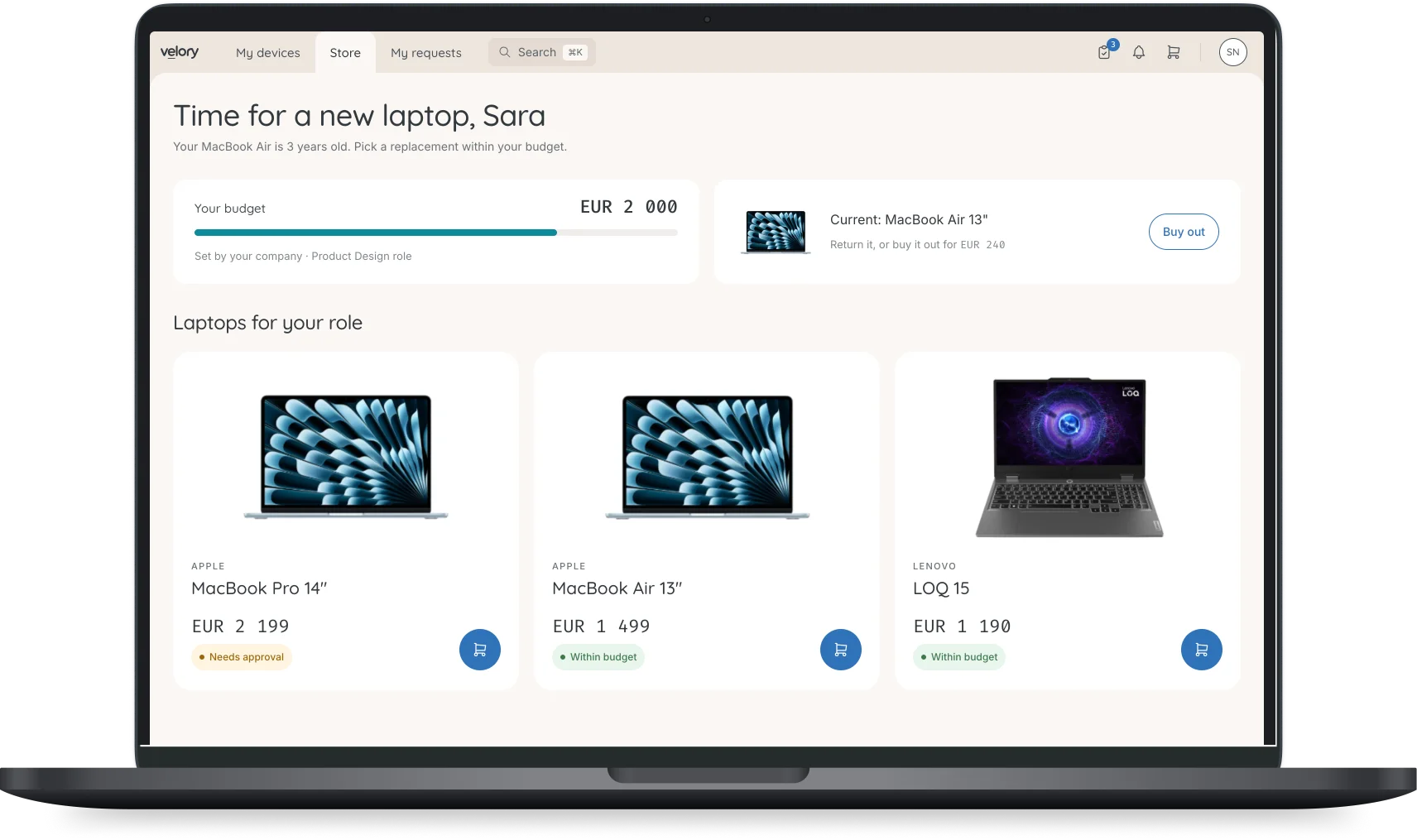
Velory’s self-service store lets employees select, upgrade, or buy out devices within company policies and budgets. This is CYOD (Choose Your Own Device) done right.

Capterra Score 4.8

When IT gets in the way of work

Requests stall in IT

Even simple device requests depend on tickets and approvals, leaving employees waiting days or weeks.

Upgrades are unclear

Without transparent policies, employees don’t know when or how they can upgrade, buy out, or return devices.

‍Experience feels outdated

Manual processes and unclear steps frustrate employees and slow down productivity.

Company-approved device options

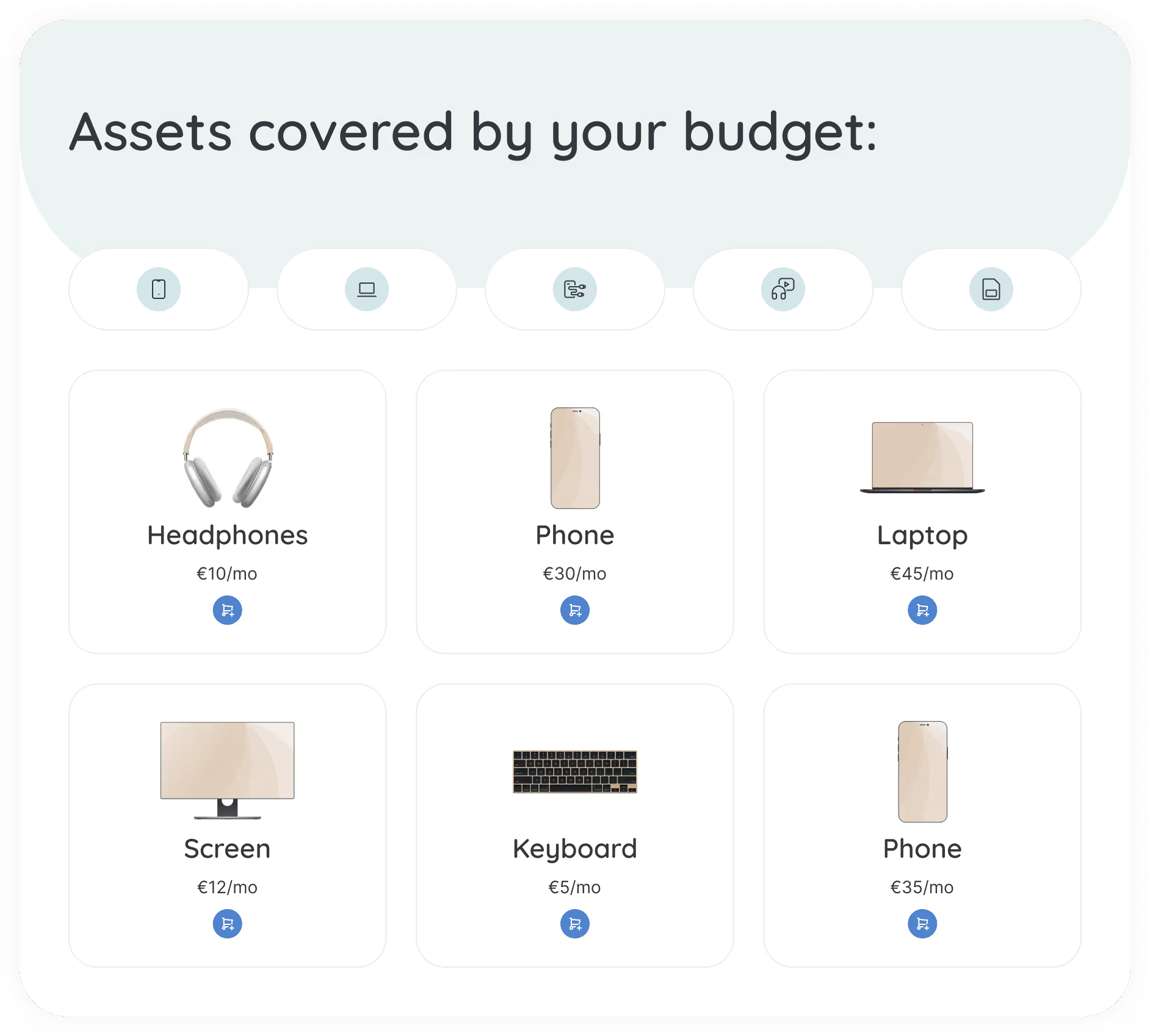
Browse a curated catalog of approved laptops, phones, and accessories that align with company policies. Employees always know what’s available and within budget.
Read more

Transparent upgrades & buyouts

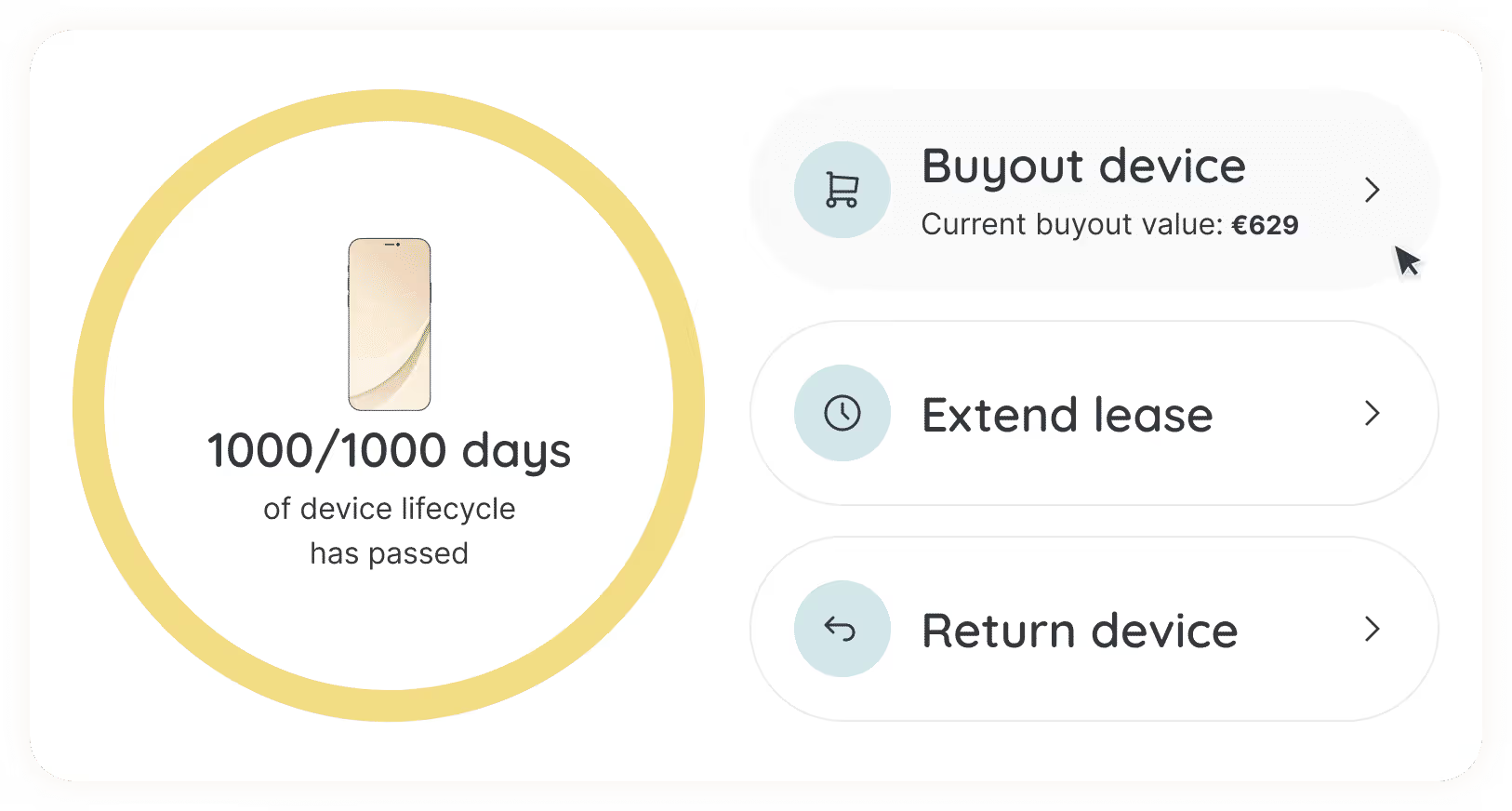
See exactly when devices are eligible for upgrades, extensions, or buyouts. Automated reminders and clear pricing make the process fast, predictable, and transparent.
Read more

Self-service device management

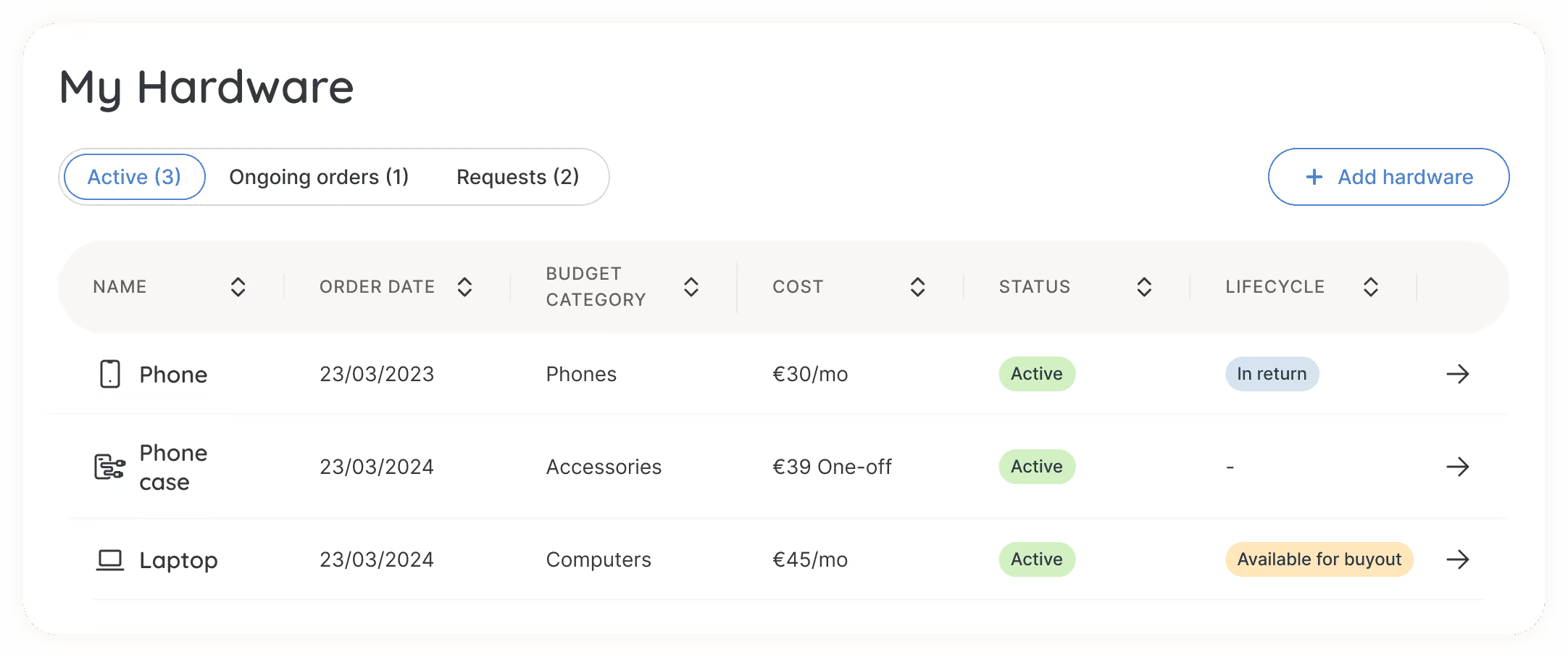
Track your device through every stage of its lifecycle, from assignment to upgrade or return. Employees can view status and next steps anytime, without contacting IT.
Read more

FAQ

Can I choose my laptop before my first day?

Yes. If your company uses Velory's self-service store, you'll get access to a curated catalog of approved devices before you start. Pick the one that works for you, and it'll be ordered, configured, and shipped - ready for day one.

What happens if I want a device that's over budget?

Some companies allow employees to pay the difference for a higher-spec device through payroll deduction. Whether that's available depends on your company's policy - check your Velory self-service store to see your options and any upgrade pricing.

How do device upgrades work in Velory?

When you're eligible for an upgrade, you'll see it in Velory. Browse the available devices, pick your new one, and Velory handles the rest - including instructions for returning your old device. No tickets, no waiting.

What do I do when I leave the company?

When offboarding is initiated, you'll see your options directly on your device page in Velory and get an email with next steps. Depending on your company's policy, that could mean returning the device or buying it out. Velory tracks the status either way, so both you and IT know where things stand.


Trusted by modern companies to take control of their IT lifecycle

February 6, 2024
"It can't get any easier to purchase hardware"
Johan J.
IT Specialist
Information Technology and Services
February 6, 2024
"Awesome value for the money - fantastic customer support"
Alvaro F.
CEO
Information Technology and Services
February 6, 2024
"Usage of the Velory portal"
Ralph C.
IT-Operations
Environmental Services
February 7, 2024
"Velory- Simple yet effective"
Pankaj B.
IT Operations and Support Manager
Financial Services
February 7, 2024
"User friendly tool for optimizing lifecycle management of IT hardware"
Philip B.
Product Manager
Information Technology and Services
February 19, 2024
"Highly recommend Velory for your hardware and asset management needs"
Martin S.
Hardware and Asset Management
Telecommunications
May 6, 2025
"Great Software Company and Collaborative"
Søren J.
Global IT Manager
Computer Software
May 12, 2025
"Good tool for Asset management"
Jonny S.
It Technician
Program Development

About Velory

Velory is redefining how companies manage the IT lifecycle. We bring Finance, IT, HR, and employees together on one platform. Turning device management from a daily headache into a strategic advantage. By connecting procurement, asset management and lifecycle workflows in one place, Velory helps organizations cut costs, reduce manual work, and build workplaces where people thrive.

Workwize alternatives for teams in Europe (2026)
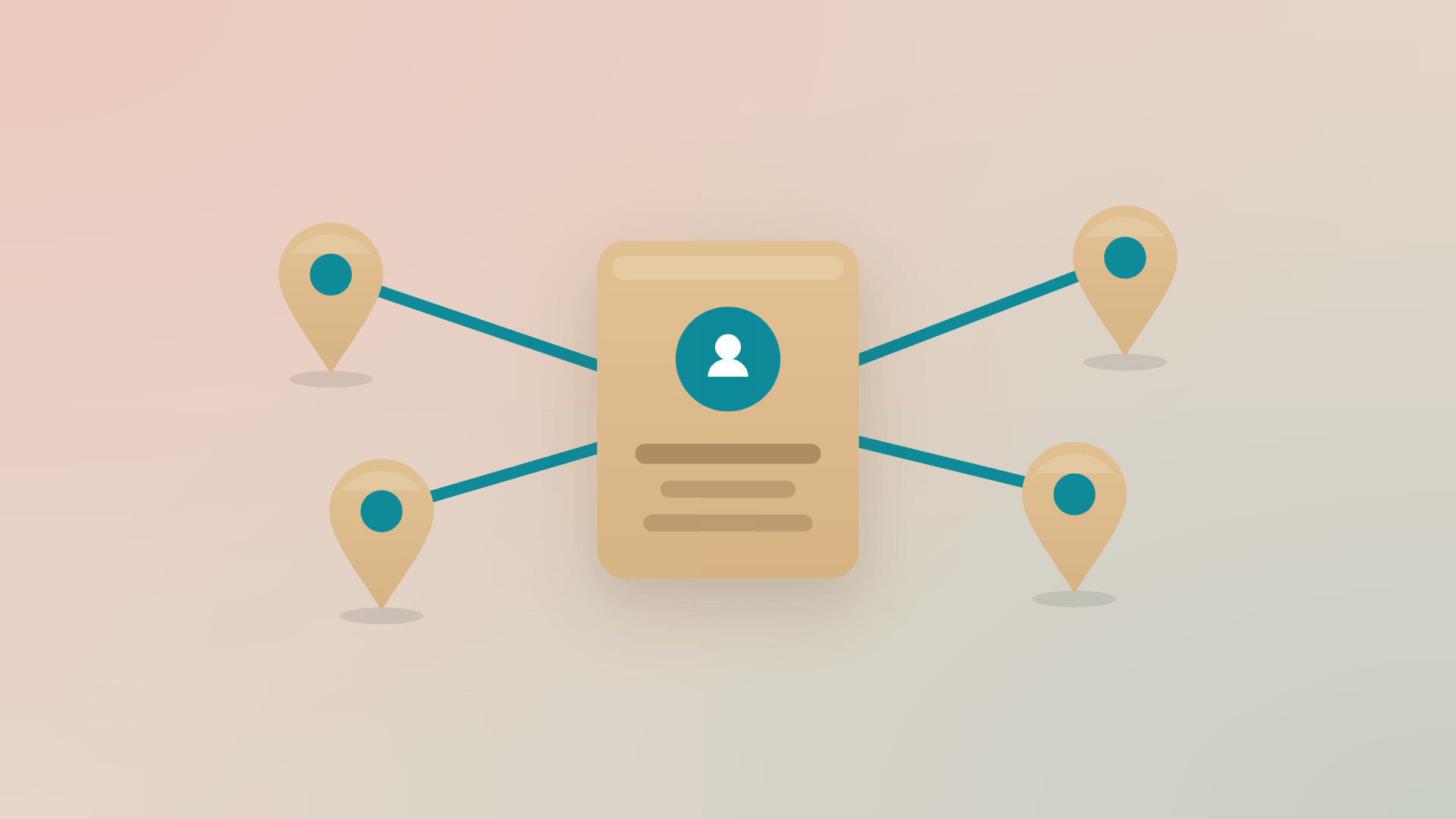
Six tools compared on what matters when your people sit in several European countries.
Read more

How to equip employees in several countries from one place
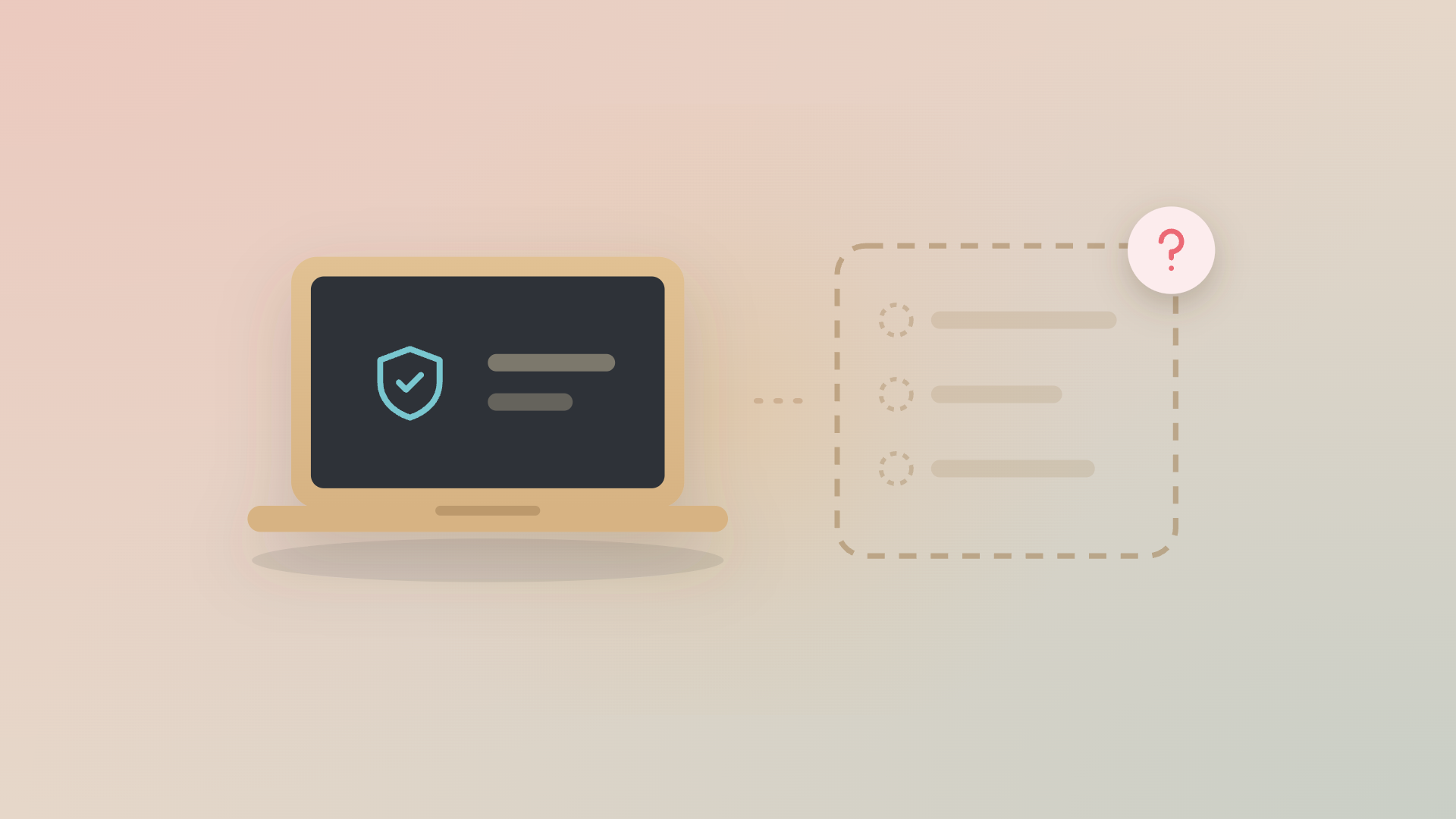
Use the local suppliers that suit each market, keep one record of who holds what, and let every laptop, licence and phone plan follow the person who uses it.
Read more

MDM vs IT asset management: what your MDM can’t tell you
Your MDM knows your devices. But does it know their full lifecycle? See what IT asset management adds, from purchase and ownership to end of life.
Read more

NIS2 access control: why access has to follow the role

What NIS2 access control requirements mean for onboarding, offboarding and role changes, plus a quick test of whether access follows the role.
Read more