

Pick any laptop in your MDM and you'll see who's using it, whether it's compliant and when it enrolled. But that doesn't necessarily tell you where the device is in its lifecycle. An enrollment date tells you when the device joined the MDM, not necessarily when it was purchased or first put into use. Some MDM platforms can hold additional purchasing information, but that still isn't the same as managing the complete business lifecycle around the device.
That gap is what this post is about. It's easy to assume that a company with a working MDM already has its devices covered, and that IT asset management would just be a second list of the same things. The two hold different information, and each gets more useful once it's connected to the other.
What does an MDM do?
Mobile device management keeps devices secure and configured. It enrolls laptops, phones and tablets, pushes policies and apps, keeps them patched, reports whether each one is compliant, and lets you act remotely when something goes wrong: lock a device, put it in lost mode, wipe it. Its data is live and it knows what the device is doing right now and who is signed in to it.
What does IT asset management add?
IT asset management, and IT lifecycle management more broadly, holds the business record around each device:
- what it cost, and which supplier it came from
- who ordered it and who approved it
- which contract or lease it sits on
- when it was bought, and when it's due for replacement
- who holds it now, and who held it before
- what should happen to it when that person leaves
The MDM manages the device as an endpoint. IT lifecycle management manages it as a company asset, from procurement and assignment through refresh, reuse and end of life.
Where do the gaps show up?
Device age: Refresh planning and next year's hardware budget depend on knowing where every device is in its lifecycle. Enrollment dates can help, but they don't necessarily represent when a device was purchased or first put into use. That's where purchase and lifecycle data become important.
Reimaging: Reinstall or re-enroll a laptop and hand it to someone else, and its MDM record doesn't necessarily give you the business history behind that device. Who bought it, who previously used it, what repairs it has had and how many times it has been reassigned are lifecycle questions, not just device-management questions.
Devices that drop out: When a device stops checking in or is removed from active MDM management, it can fall out of the operational view even though the company still owns it. An asset record should persist across enrollment status, users and device resets.
The gap runs the other way too. A phone that's in your asset records but was never enrolled is a phone you can't lock or wipe when it goes missing.
How do MDM and IT lifecycle management work together?
Connected, each one covers what the other can't see. This is how it works in Velory:
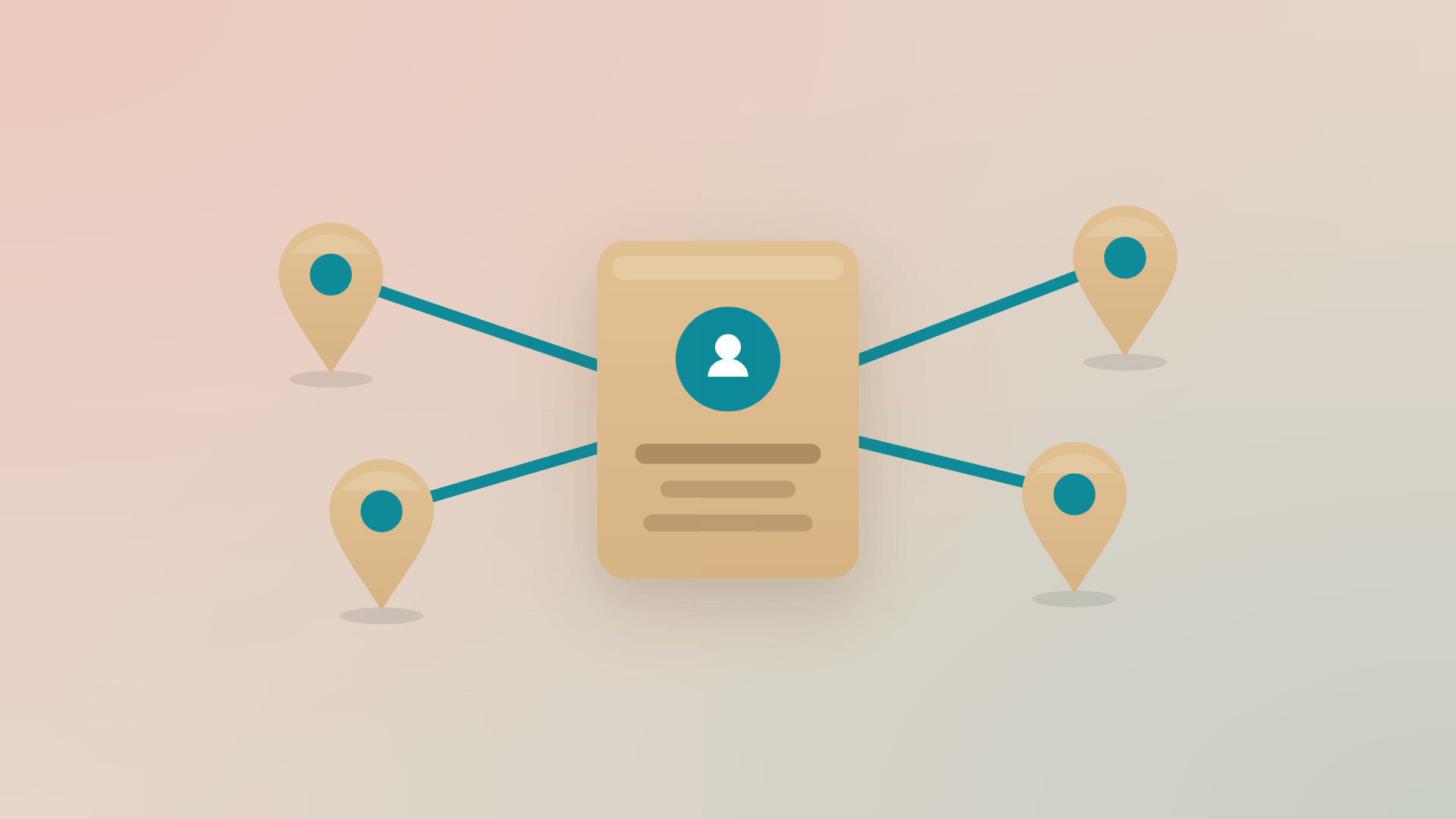
- Connect your MDM (one or several): Devices it knows about are imported automatically. You choose which categories come in (computers, phones, tablets), and you can limit the import to devices that match an employee record, which helps when one MDM tenant serves several companies.
- Devices land against the people who hold them: Anything with incomplete data waits in a review state until an admin confirms it, so a gap gets fixed once instead of being copied forward.
- Velory adds the business record: Cost, supplier, contract or lease, purchase date, owner. Hardware bought outside the usual channels can be added by forwarding the invoice email, and the device record is created from it.
- The MDM keeps the device side current: When something changes in the MDM, the asset record reflects it, so the register doesn't depend on someone remembering to update it.
- You act from the asset record: If your MDM accepts commands, you can lock a device, put it in lost mode, wipe it or reveal its recovery key straight from Velory. Some MDMs connect read-only: the devices come in, and the commands stay in the MDM.
- The IT lifecycle runs on top: When someone leaves, the device returns, the licences and the mobile plan are handled from the same record, and a leased device brings its contract terms and buyout value into that step.

What can you answer once they're connected?
These are questions that used to take an afternoon of exports:
- How old is each laptop, and which ones are due for replacement next year? That's the list you want in hand before budget planning starts.
- Which devices have no assigned owner? Each one is either sitting in a drawer or still with someone who has already left.
- What happened to the device this person had before their current one? If nobody can say, that's the one to chase.
- What does the fleet cost, across purchased and leased devices? Once cost sits on every record, the total is a filter rather than a spreadsheet.
Keep your MDM and give it context
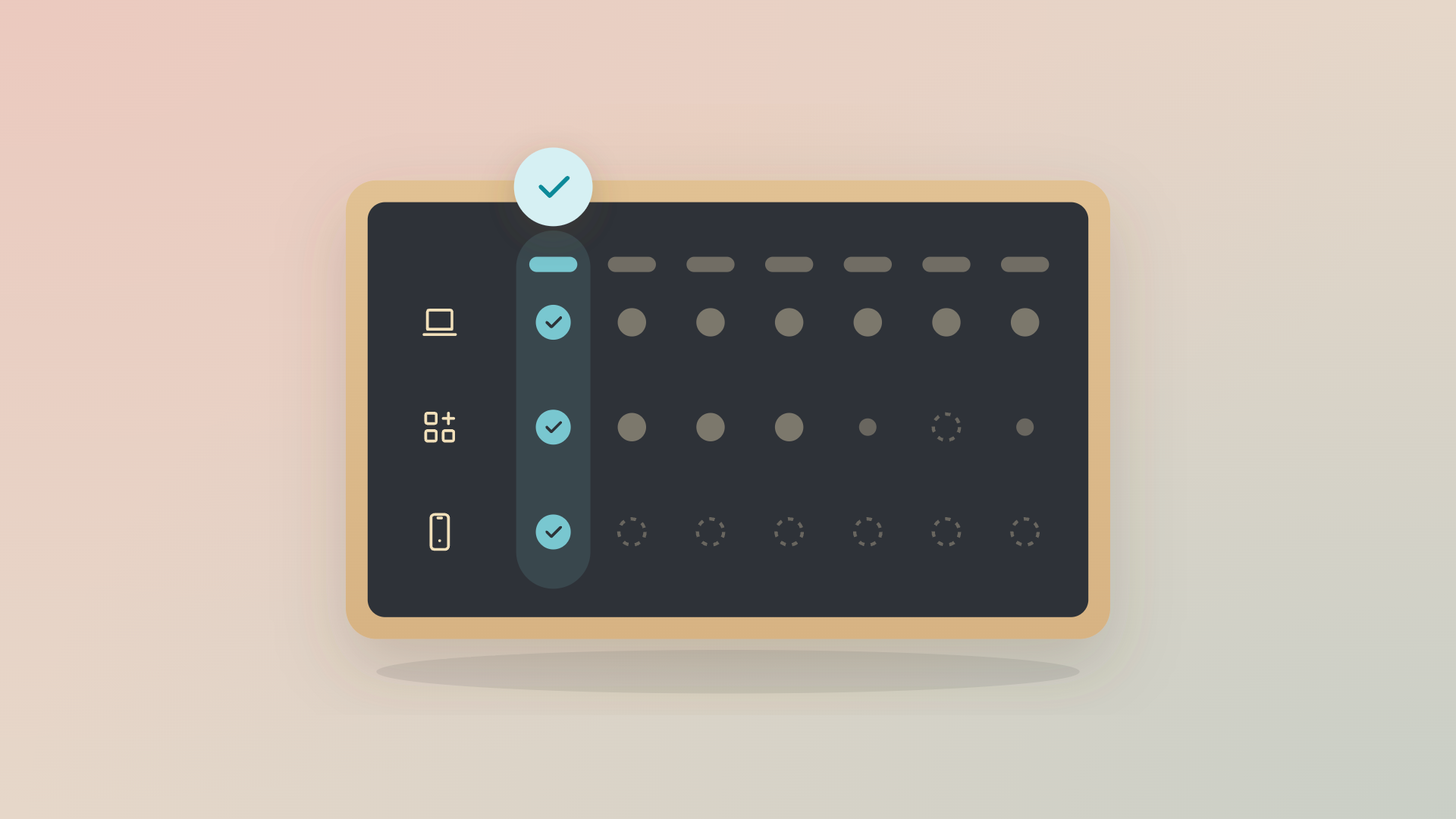
Your MDM keeps doing what it's built for. Connected to an IT lifecycle management system, the device data it already holds gets the rest of its story: cost, age, owner, contract and what should happen next.
See how it works in the product tour at velory.com/demo.
FAQ
Is an MDM the same as IT asset management?
No. An MDM manages the device's security and configuration: enrollment, policies, patches, lock and wipe. IT asset management holds the business record: cost, owner, contract, purchase date and end of life. If you run an MDM, the asset record is the half it doesn't cover.
Do I need to replace my MDM to use Velory?
No. Velory connects to your existing MDM and imports the devices it manages. The MDM stays in charge of security.
Can I lock or wipe a device from Velory?
Yes, if your MDM accepts commands through the integration. Some MDMs connect read-only, in which case devices sync into Velory and commands stay in the MDM.
Why doesn't my MDM show how old a device is?
It records when the device enrolled, and that date resets when the device is reimaged or re-enrolled. The purchase date lives with the order or invoice, which is what an asset record holds.
.jpg)