

Key takeaways
→ An exit is done when everything assigned to the person is closed: laptop, phone and accessories, software licences and AI seats, and the mobile plan.
→ The leave date usually sits in the HR system for weeks. Leaks happen when that date never reaches the people who hold each asset.
→ Every returned laptop should take a set path (reuse, refurbish, certified end of life) instead of a drawer.
→ Run the checklist below from one record per person, so finishing an exit doesn't depend on someone's memory.
Someone hands in their notice and the last day goes into the HR system, often a couple of months or more before it arrives. Then the day comes and goes, and the laptop is still at their place, or it's back in the office in a drawer, waiting for an inventory six months later where someone holds it up and asks whose it was.
What happens to company laptops when employees leave is mostly decided before the last day, by whether the leave date reached IT in time to do anything with it. Onboarding and offboarding are the processes the majority of IT teams we talk to bring up first, and the laptop is only the part you can see. This guide covers each thing a leaver holds, what to do with a device once it's back, and a checklist you can run on every exit.
What has to come back when an employee leaves?
Everything that was assigned to that person: hardware, software access and licences, and mobile subscriptions. A full exit closes each of them, and the laptop is one item on that list.
- Hardware: The laptop and phone, plus the dock, headset, screen and charger. Accessories are what wander off, and nobody notices a missing charger until the next person needs one.
- Software and SaaS: Sign-in access removed, paid seats revoked or handed to someone else, shared files and admin rights transferred.
- AI tool seats: These are software licences like any other, and easy to miss because they often get requested one at a time through a ticket rather than handed out with a role.
- Mobile plan: Ended on the last day or a later date, the SIM or eSIM dealt with, and the number ported to a personal plan if the person wants to keep it.
The laptop gets attention because it's physical and someone asks about it, but the other three are harder to catch. Someone leaves, the device comes back, but the mobile subscription and licenses keep billing.
Why do licences and phone plans keep running after someone leaves?
Because each one lives in a different system with a different owner, and the leave date only reaches some of them. HR knows the person is leaving but has no idea which SaaS tools they used. IT knows the laptop, and maybe not the phone plan. Finance sees the invoices months later, without the context to act on them.
In some companies mobile isn't IT's job at all, because each local office runs its own plans. And the licence for a tool only a handful of people use is the one that gets forgotten, since it never made it onto anyone's offboarding list in the first place.
How do you get laptops back from people who work remotely or in other countries?
Send return instructions well before the last day, tied to the leave date, and follow each device until someone confirms it arrived. If the person works from the same office as IT, they drop it at the desk. If they're in Aarhus or Helsinki and there's no IT desk there, it's shipping labels, tracking numbers and checking the condition on arrival.
When retrieval fails, the costs pile up quietly. A device that doesn't come back can't go to the next hire, so someone orders a new one. A laptop that never got wiped is a security risk sitting in a former employee's home office. The wipe is quick; getting the laptop physically back is what eats the time.
What should happen to a returned laptop?
It should take one of a few set paths, decided by policy rather than on the day it comes back: reuse, refurbish, certified end of life, or short-term storage with a deadline.
- Reuse: Wipe it, set it up and give it to the next hire. A laptop that's a couple of years old and in good shape usually just needs a new owner.
- Refurbish: If it needs a repair or a part swapped, send it to a refurbishment partner first, then reuse it. It lasts longer and supports your circular IT goals.
- Certified end of life: For devices at the end of their life, certified IT asset disposition (ITAD) means the data is destroyed and the hardware recycled with a record of how. As CSRD reporting tightens, that record is becoming something you'll be asked to show.
- Storage, with a deadline: Sometimes a laptop waits between people. Temporary has a way of becoming permanent, so set a limit (90 days, for example) and flag anything past it. Drawers aren't a lifecycle stage.
What should an IT exit checklist include?
An IT exit checklist starts when HR records the leave date and ends when every asset assigned to the person is returned, transferred or closed, with a record of each step. This is the one we'd use:
As soon as the leave date is set
- List everything assigned to the person: devices, accessories, software licences, AI tool seats and the mobile plan.
- Decide each device's path: return, or buyout if your policy allows it.
- Send return instructions and a shipping label to anyone who won't hand the device in at an office.
- Agree what happens to the mobile plan: end it on the last day, end it later, or let them port the number.
- Ask the manager about anything handed over informally, like the loaner phone or the second screen at home.
On the last day
- Remove sign-in and account access.
- Revoke paid software and AI seats, or reassign them to someone who needs one.
- Hand over shared files and any admin rights the person held.
After the last day
- Confirm each device arrived, and note its condition.
- Wipe it and route it: reuse, refurbish or certified end of life.
- Check the next phone bill to make sure the plan actually stopped.
- Close the record, so the next audit can see what came back and where it went.
On step one: if answering it means searching your MDM, two licence admin pages and an operator portal, fix that first. Every other step on the list depends on knowing what the person has.
How do you make sure offboarding runs the same way every time?
Connect the leave date in your HR system to the IT exit, so one event starts the device return, the licence revocation and the plan termination together. A checklist is a good start, but it still needs a person to remember to open it.
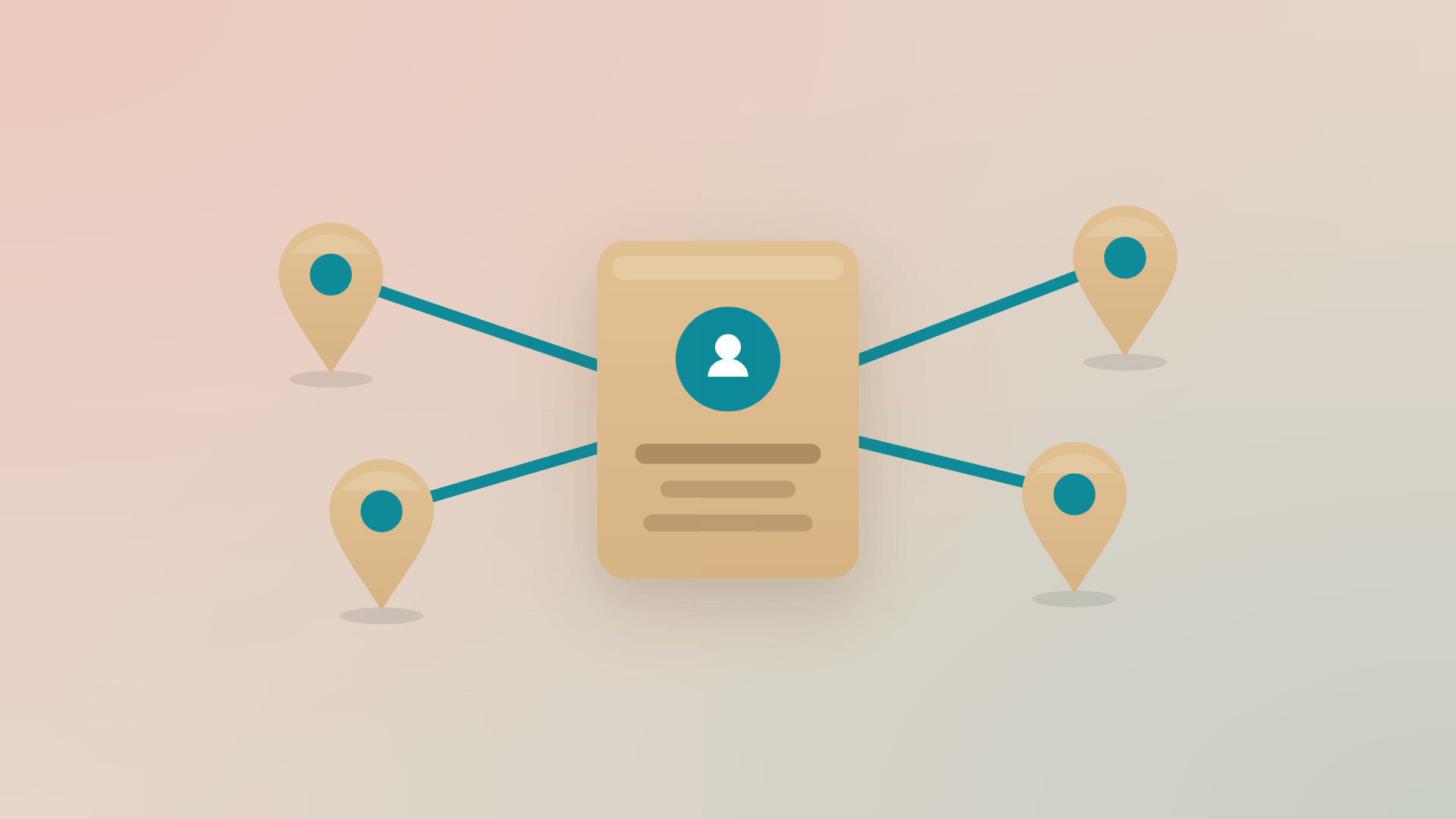
This is how it works in Velory: every IT asset sits against the person who holds it.
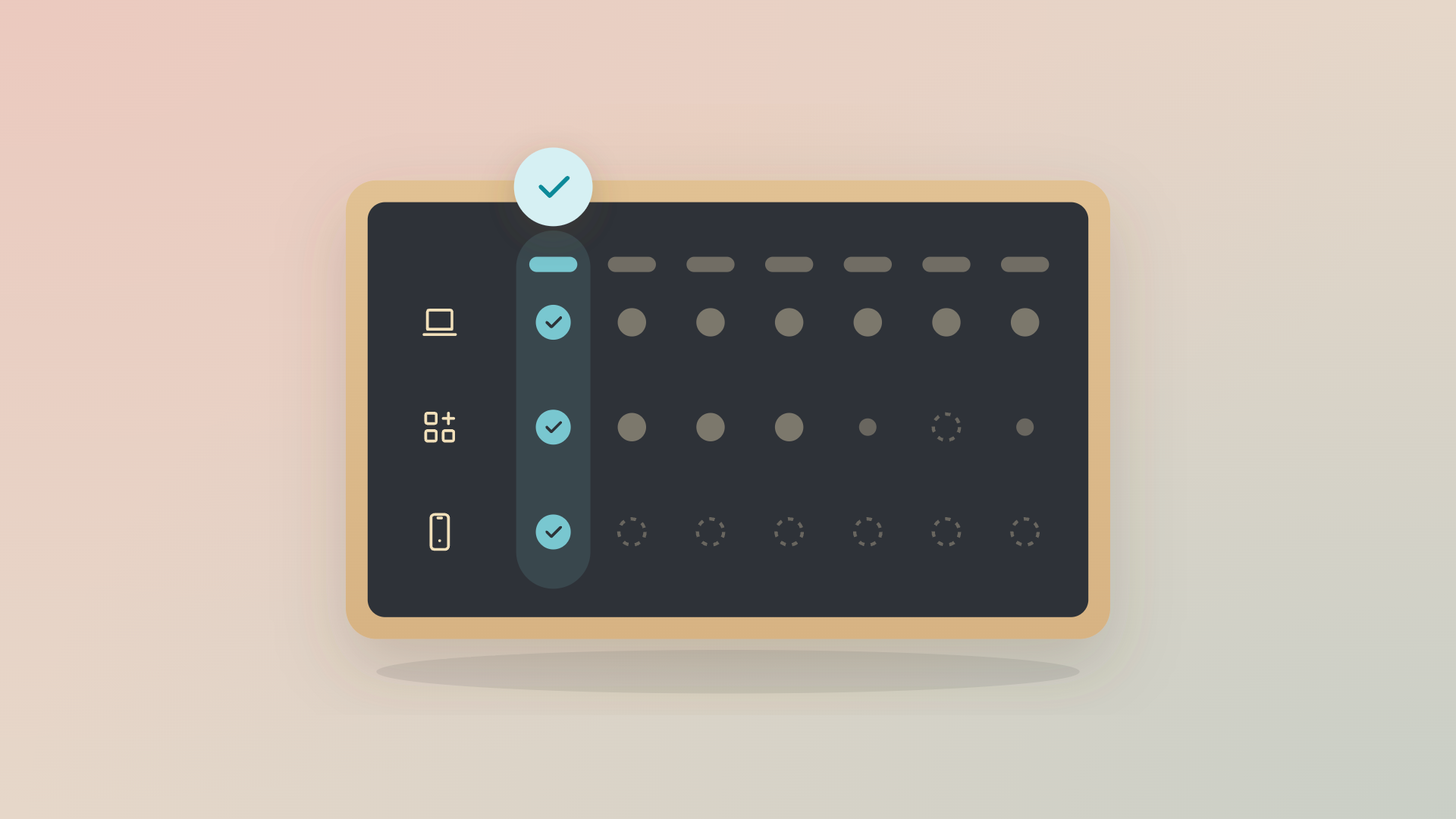
When HR records a leave date (or you start the exit yourself, for one person or a whole batch), the exit runs in parallel. The leaver sees return or buyout options for each device, returning devices are marked To Return until someone confirms they arrived, licences and AI seats are revoked or reassigned, and the mobile plan ends on the date you pick, or later if they're porting their number. Returned laptops go back into storage, where they're offered before anyone orders new. Each step is logged.
You shape the workflow to how your company already runs exits: the order of steps, who approves what, and the rules for each country. You can also ask plain-language questions of the data, such as which leavers from last month still have a device out.
Fair warning on the hard part: physical returns still depend on people posting a box. What changes is that you know which boxes are still out, and who to chase, and Velory can even help you send reminders.
If you're not ready to automate yet, start with visibility. When you can answer "what does this person have?" in a minute instead of an afternoon, every exit gets easier, and the automation can come later.
So what should happen when someone leaves?
"What happens to company laptops when employees leave?" should be an easy question for an IT team. It's hard because it was never only about the laptop: the licence still billing, the phone plan nobody ended, the device in a drawer and the replacement order that didn't need placing all come from the same exit. Start the exit from the leave date and run it across every asset the person holds, and those stop turning up months later. To see what that looks like, take the interactive product tour.
FAQ
What happens to company laptops when someone leaves?
The laptop should be returned, wiped and checked, then reused, refurbished or sent to certified IT asset disposition. A full exit also revokes the person's software licences and AI seats and ends or transfers their mobile plan, which are the parts that tend to keep billing.
How do we make sure laptops, licences and phone plans are returned when an employee leaves?
Start the exit from the leave date in your HR system and list everything assigned to the person in one place. Then run the same checklist every time: device return or buyout, access removed, licences and AI seats revoked or reassigned, the mobile plan ended or ported, and each step recorded.
How long should IT offboarding take?
Plan it from the day the leave date is known, which is usually weeks ahead. Access and licences can close on the last day. Physical returns take as long as shipping does, so the exit should stay open until every device is confirmed back or bought out.
What is ITAD?
IT asset disposition (ITAD) is how end-of-life IT equipment is handled responsibly. Certified ITAD providers destroy the data, recycle or resell the hardware and give you a record of what happened, which matters for CSRD and WEEE reporting in Europe.
Can an employee keep their work laptop when they leave?
Yes, if company policy allows a buyout. The employee pays the agreed value, the device is recorded as theirs and it leaves the company inventory. It should be wiped and removed from device management before it goes.
.jpg)