Key takeaways
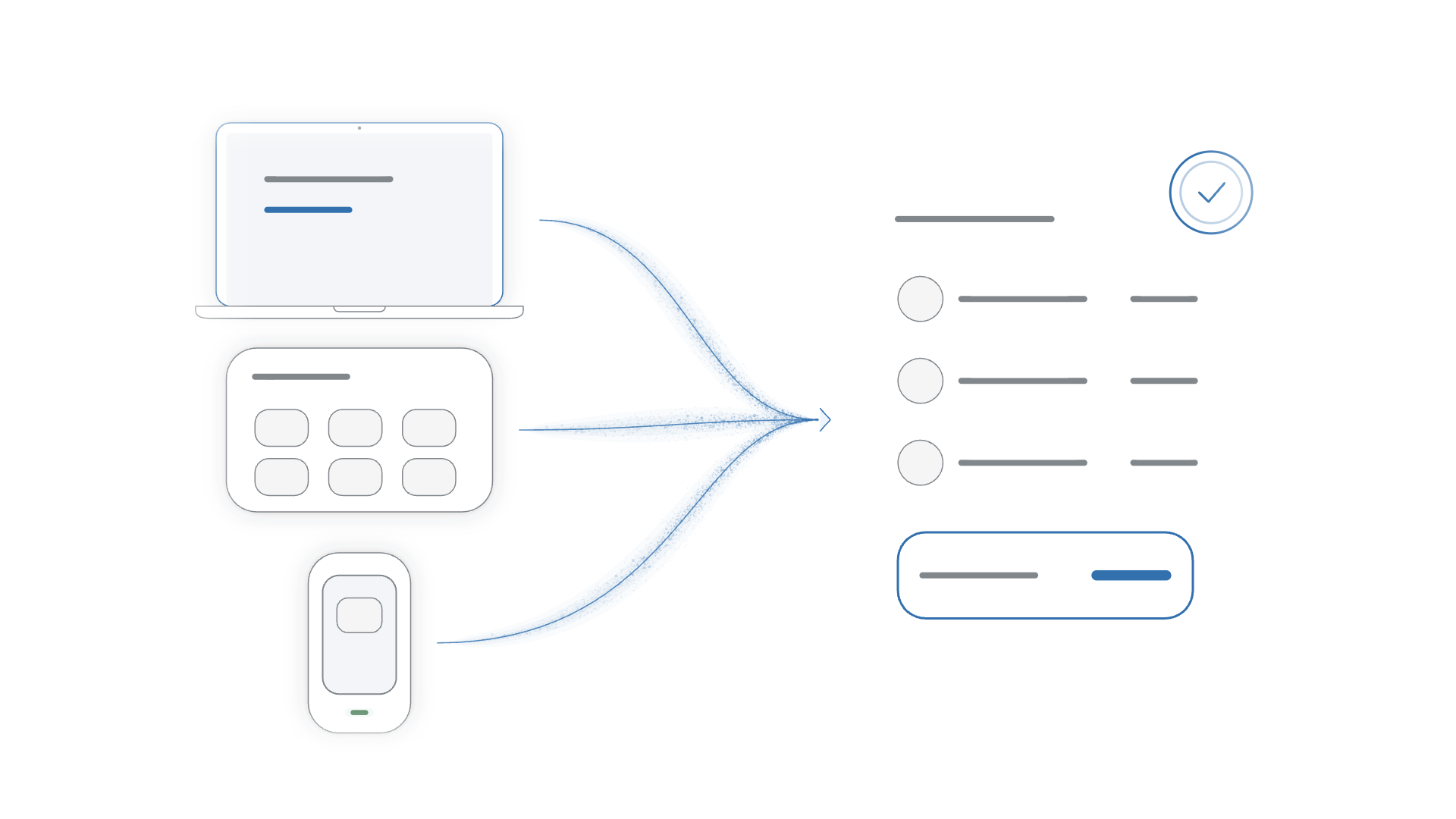
You equip people in several countries from one place by keeping one record of every IT asset per employee and letting each market buy from the local suppliers that suit it. The HR system starts each order, the supplier for that country fills it, and the laptop, licences and phone plan stay on the person's record until they come back. Setting up suppliers per market is the slowest part, and you do it once per market.
Picture this: your IT team sits in one country, the new account manager starts in another, and the start date has been in the calendar for six weeks. Somebody still has to work out which supplier delivers there, who signs off the order, whether the laptop goes to a home address or the local office, and who will remember it exists when that person eventually leaves.
Behind the question of how to manage laptops and phones for employees in several countries sits a simpler need: one way of running IT that holds in every market, with suppliers that work locally. This guide covers ordering for new hires from one place, choosing suppliers per market, and keeping custody clear when people move or leave. For the basics of remote provisioning and returns, start with our earlier post on device lifecycle management for distributed teams.
How do you manage laptops and phones for employees in several countries?
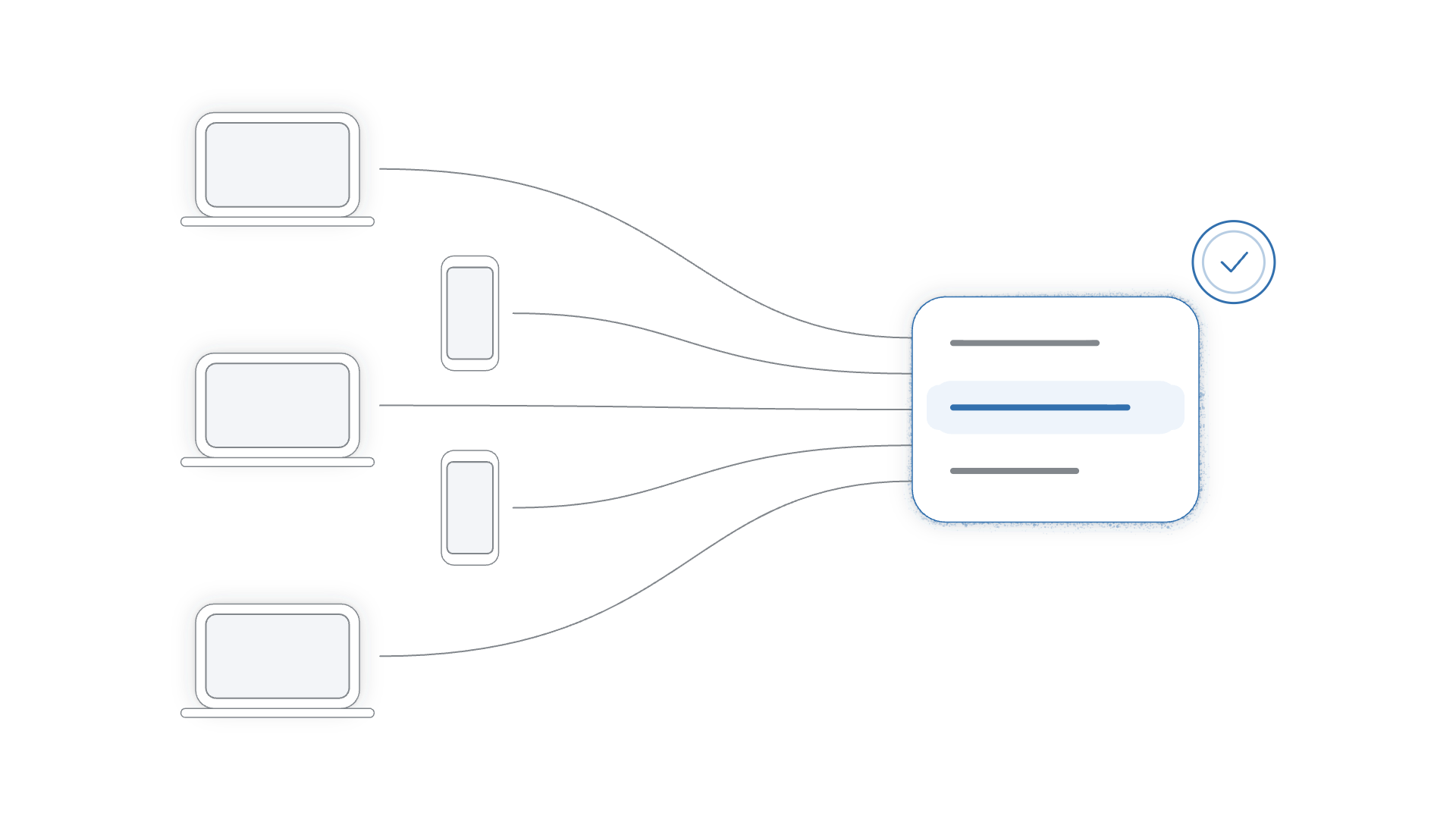
Keep one record of every IT asset per employee, and let each country buy from the local suppliers that suit it through the same ordering flow. The record sits in one place and the buying stays local.
IT lifecycle management is the plain name for this: running each asset from the order, through daily use, to its return, reuse or certified end of life. The lifecycle is the same in every country, but the suppliers, couriers, mobile operators and sometimes the legal entity change from market to market.
The usual setup grows one country at a time: a spreadsheet per office, a local office manager who hands out laptops when there's time, phone plans bought by whoever runs that office, and a head-office IT team that hears about a new starter when the ticket lands. It holds while there are only a couple of countries, and it breaks the first time the person who keeps it all in their head is off sick.
What holds up is three pieces working together:
1) one record per employee with every device, licence and mobile plan they have, wherever they sit,
2) the HR system as the trigger, since it knows who joins, where and when before anyone files a ticket, and
3) local supply, where each market buys from suppliers that deliver there.
How do you equip remote employees in another country when IT sits in one place?
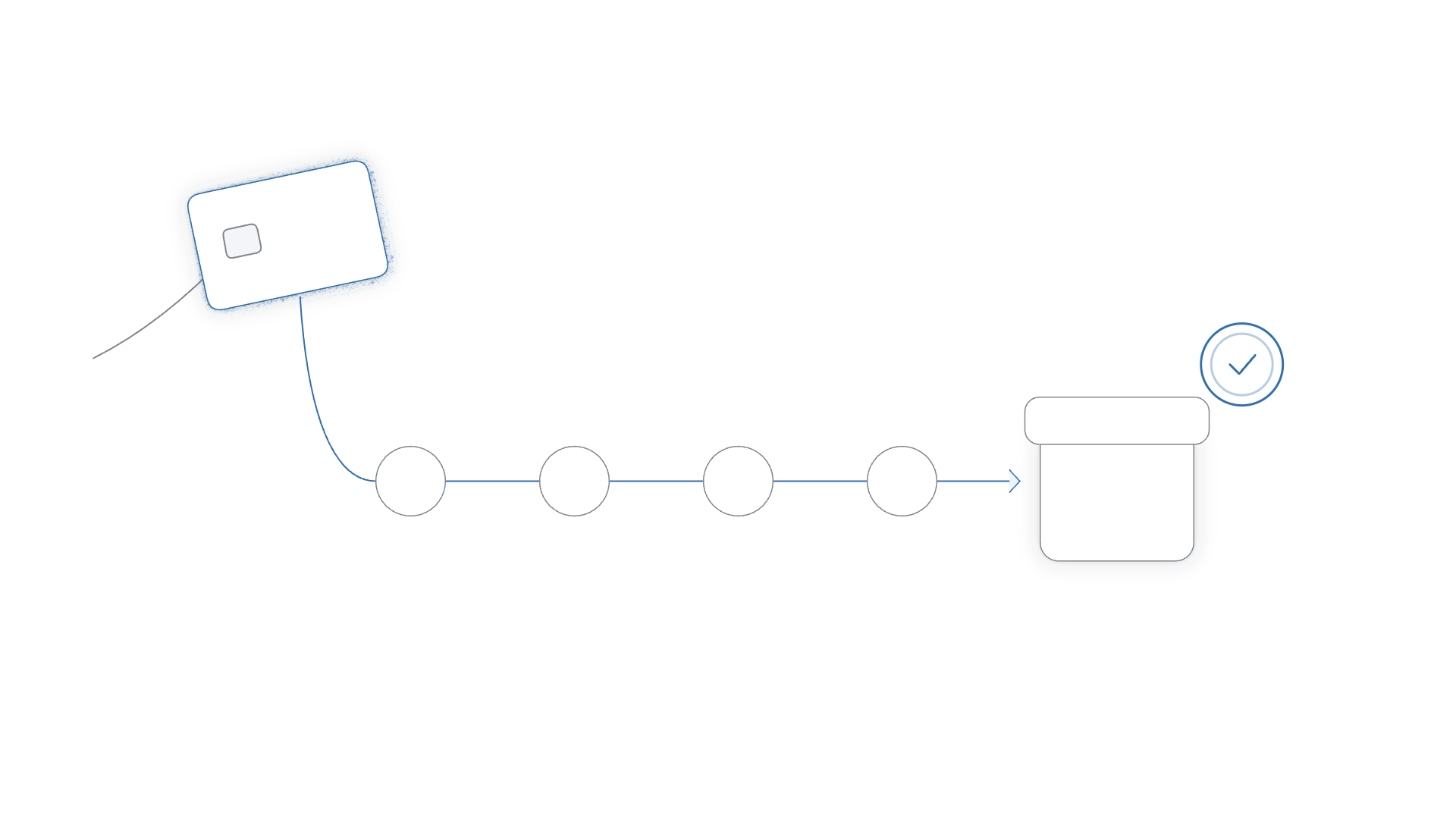
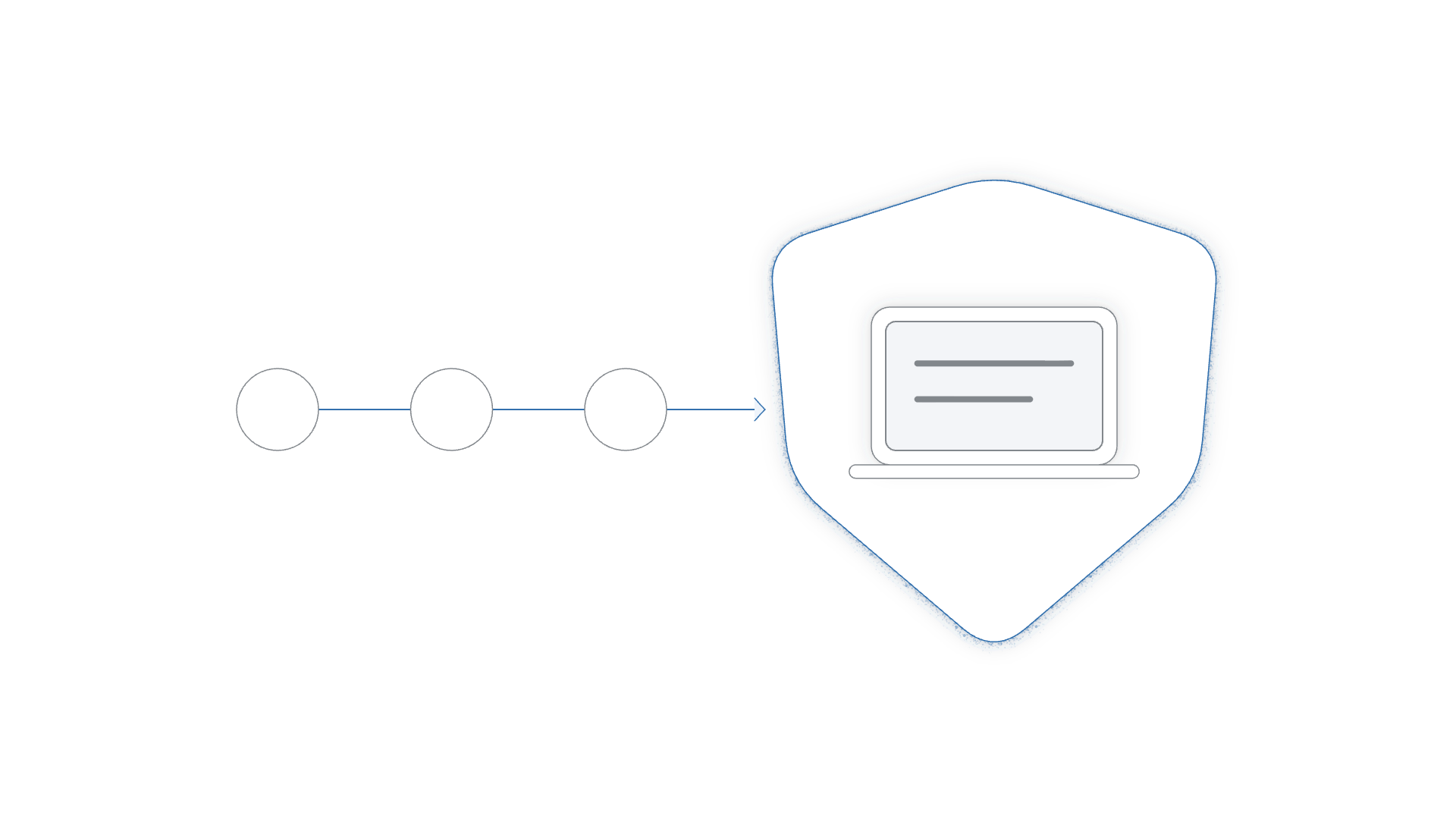
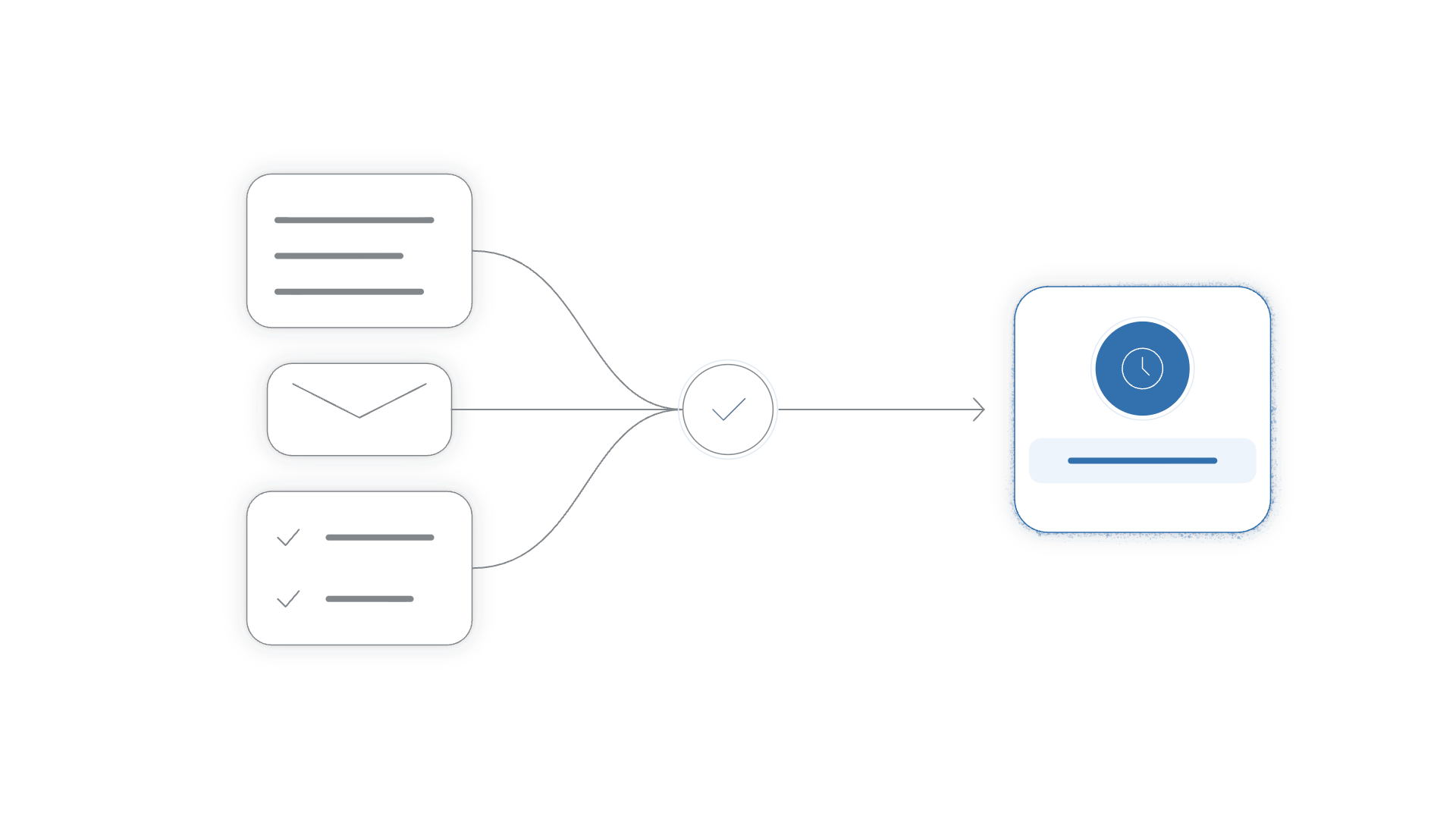
Let the HR system start the order, and send it to the supplier that serves the employee's country. IT sets the rules once and handles the exceptions, instead of chasing couriers and office managers in Teams for every shipment.
This is how that works in Velory:
- HR adds the new hire in the HR system (BambooHR, HiBob, Deel, Hailey HR, Simployer, Workday etc). Velory picks up the record a set number of days before the start date, which you choose, so the person exists for IT before they have a company account.
- A budget is assigned from the role, department or cost centre, so the right catalogue shows up without anyone deciding by hand.
- IT or the hiring manager picks the equipment, or the employee chooses within that budget in the store. Orders inside your rules go through straight away, and the rest go to an approver with the cost and budget impact attached.
- The order goes to the supplier you've set up for that market and ships to the home address or the local office.
- When the device arrives it's linked to the person and enrolled in your device management tool (Microsoft Intune, Jamf, Iru, Hexnode or Google Endpoint Management). Software licences and a mobile plan go on the same record.
The catch is the handoff. A start date that's been known for weeks still ends with a missing laptop if the order waits for someone in IT to notice, so putting the trigger in the HR system is what turns the notice period into lead time.
How do you choose local suppliers for each market?
Choose per market, based on what that market needs, and use one supplier or several. You can add or change suppliers whenever it suits you while everyone keeps ordering and tracking in the same system.
Questions worth asking for each country:
- Can they deliver to home addresses as well as offices, and how quickly in that market?
- Do they invoice locally, so each country's entity can book and depreciate its own hardware?
- Do they offer leasing, refurbished devices or trade-in, if you want those options?
- Can they collect or receive returns from leavers in that country?
- Do they connect to the system you run IT in, so orders and delivery status flow back without anyone retyping them?
Velory works with the suppliers you choose. Several retailers can sit side by side in the same store, and routing sends each order to the supplier set up for that country. Keeping a supplier you trust matters more than it sounds, as Playground Tech found when connecting theirs:
"The simplicity of the Dustin integration was huge for us. We didn't have to change suppliers or rebuild processes - everything we needed was already in place." Sebastian Rosander, Co-owner and CTO, Playground Tech
How do you order IT equipment for new hires in different countries from one place?
Use one store with budgets per role and a supplier per market, so every order starts in the same place and lands with the supplier that serves that country. Approval chains and country rules are set once and apply to every order.
A few details matter once there are several countries and entities:
- Budgets and policies per entity: Each company in the group can have its own budgets and rules, with one view across all of them.
- Workflows you shape: A manager then finance, or straight approval for standard kit below a set value. The approval flow follows how your company signs off spend today.
- Reuse before buying: Returned devices go back into storage and appear in the store before anyone orders new.
- Mobile in the same flow: Where the operator is connected, eSIMs, physical SIMs and number porting are ordered like any other item.
On that last-but-one point: in a single office somebody notices the spare laptop on the shelf, but across several countries it can sit in a locked cupboard until the next inventory count, which is why stored devices show up in the store first.
What happens to devices when an employee moves country or leaves?
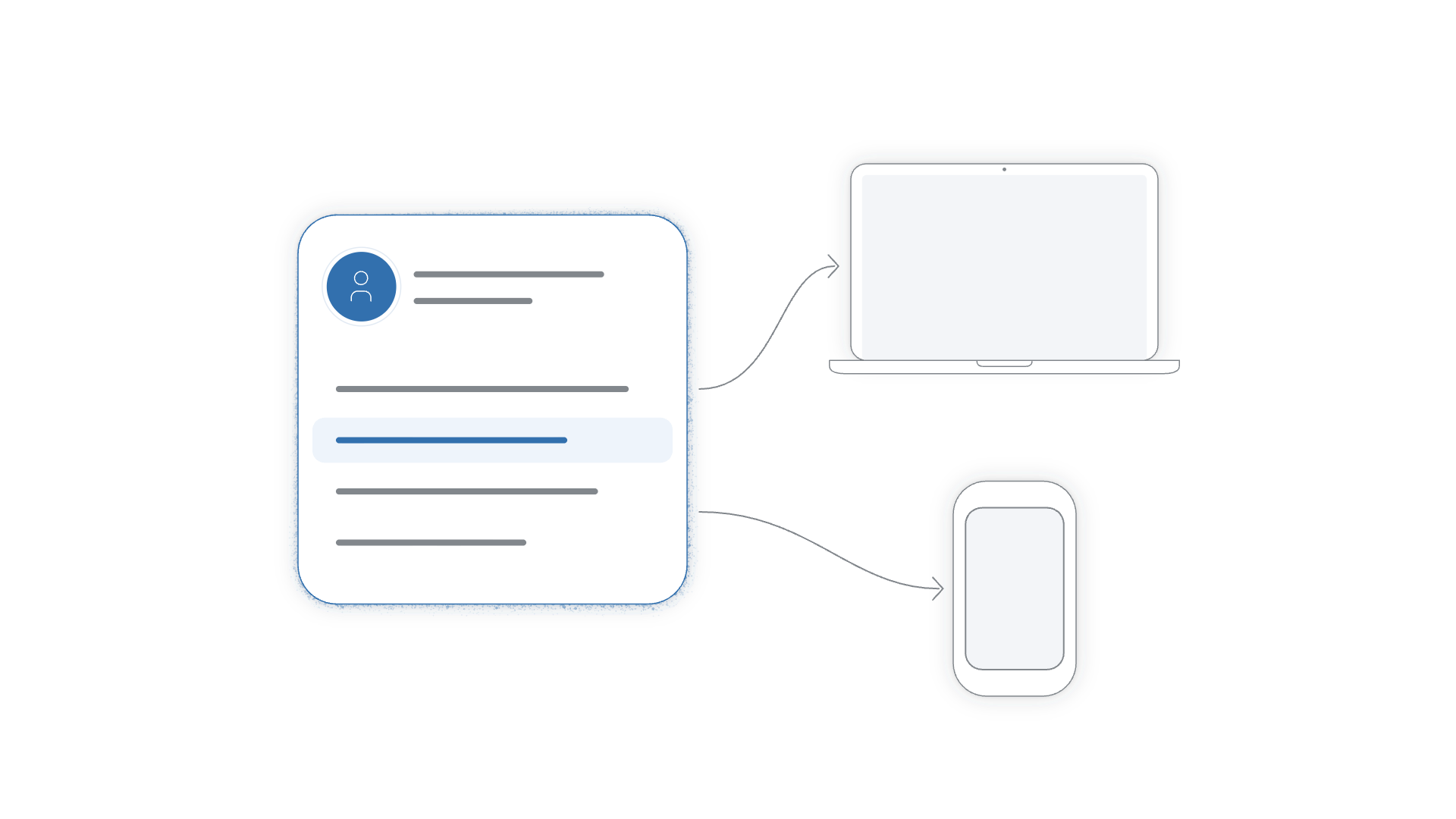
Every asset stays on the person's record. When someone moves, the address and the entity change and the record still shows who holds what, and when they leave, one offboarding covers the laptop, the licences and the phone plan together.
When someone leaves, the HR system or an admin starts the offboarding and sets the date. The employee sees their options for each device under your policy, return or buyout. Returns get instructions, the device is marked as due back, and an admin confirms when it arrives. Licences are revoked or reassigned. The mobile plan can end on the last day or later, which gives the person time to move their number to a private plan. Returned devices go back into storage for the next hire, or on to trade-in, refurbishment or certified disposal.
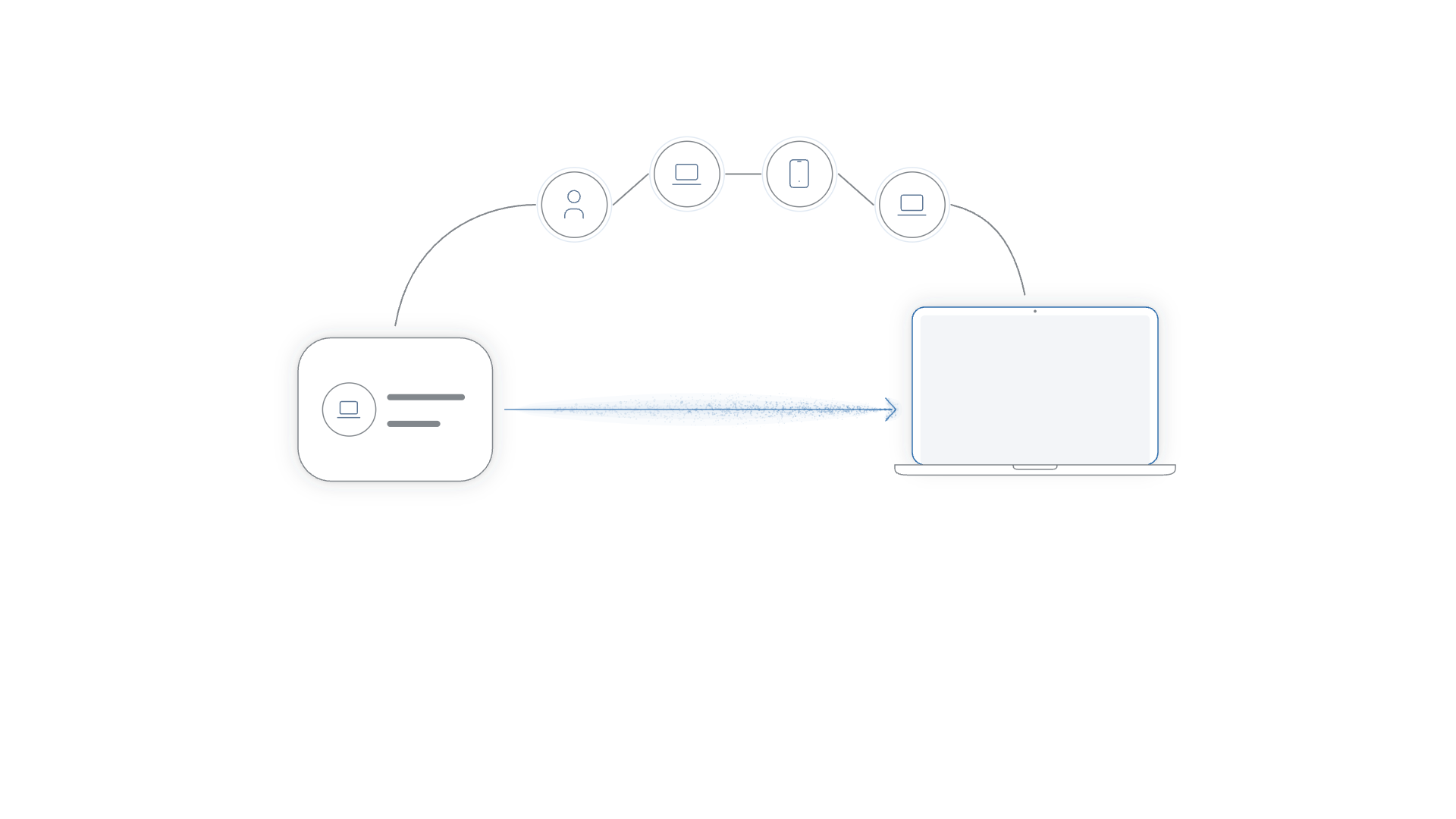
A move between countries is quieter and easier to lose track of. The laptop stays with the person, but its cost may now belong to a different entity and the return address changes. Since the device was tied to the person rather than an office, the move doesn't orphan it, and the record keeps who held it before.
How do you see who has what across every country?
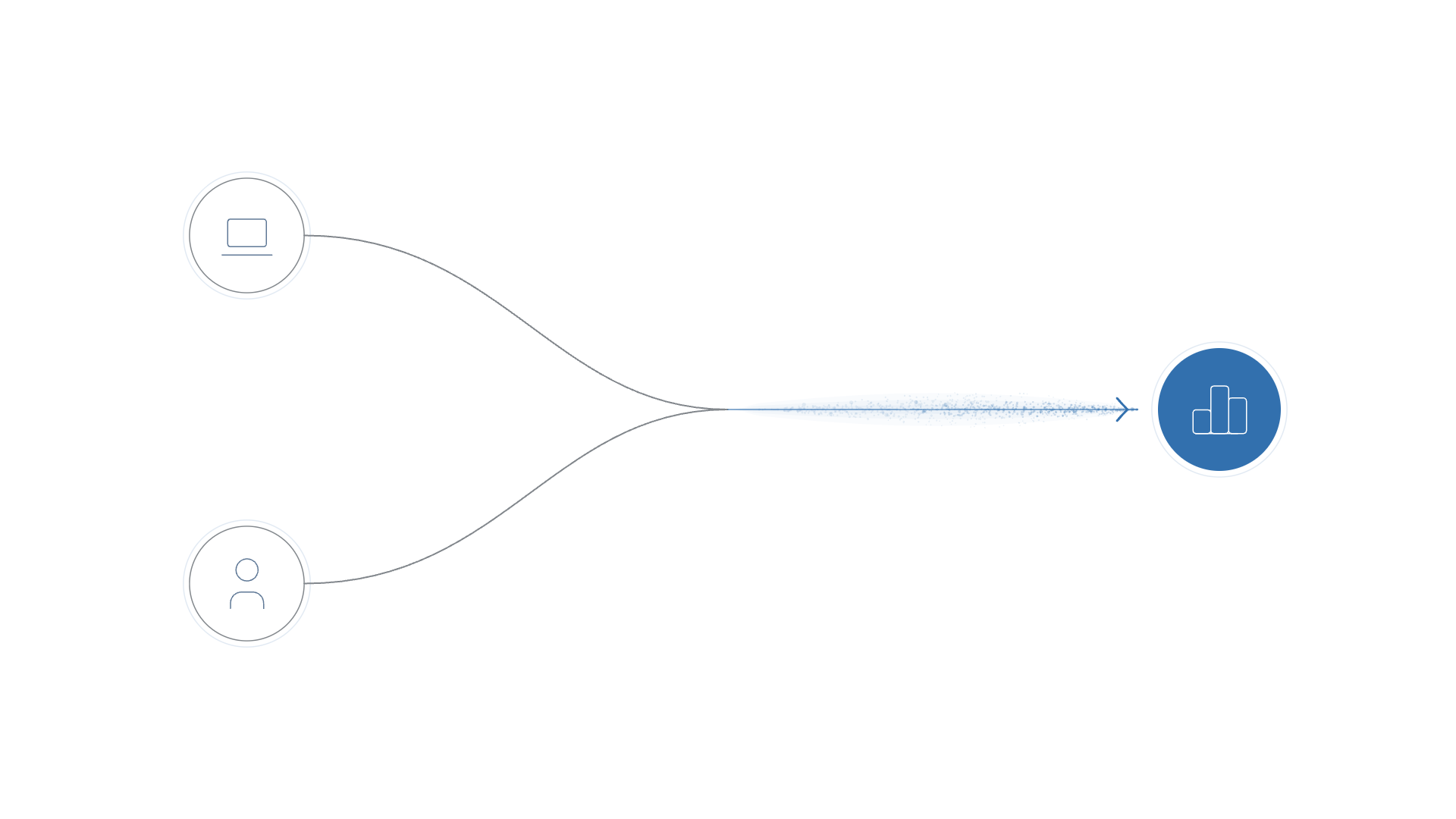
Ask the record. With every asset on one employee record, questions that used to need a spreadsheet per country become something you type in plain language, such as which laptops in a given country have no holder, or which leavers still have a device out.
You start with visibility over what you have, then add connectors for HR, device management, identity and suppliers as you go, and each one gives Velory more context to act on.
Where should you start?
Start with the countries where you hire most. Equipping people in several countries comes down to two choices. Let each market buy from the suppliers that work there, and run everything else in one place, where the HR system starts every order and every device, licence and phone plan stays on the person who holds it, from their first day to the day it comes back. Then add markets as you go. If you want to see how ordering, approvals and returns fit together, take the product tour.
Frequently asked questions
Do we need a different system in each country?
No. One system holds the record for every country and entity, and each market keeps its own suppliers, budgets and rules.
Can we keep the suppliers we use today?
Yes. Use the local suppliers that suit each market, one or several, and add or change them whenever it suits you.
Can we order for a new hire before their first day?
Yes. Before the start date the HR system is the source of truth, so the employee record exists in Velory before they have a company account, and IT or the manager can place the order in time for their first day at work.
What about mobile plans in other countries?
Mobile plans sit on the same employee record as the laptop. Where the operator is connected, you order eSIMs, SIMs and number porting in the store. Where a local office buys plans itself, the plan still belongs on the person's record so it gets closed at offboarding.
Does this work for a group with several legal entities?
Yes. Each entity can have its own budgets and policies, you see all of them in one view, and several Microsoft Intune tenants can be connected at once.
How long does it take to get started?
You get visibility on day one, then build the workflows your organisation runs on. Setting up suppliers in each new market takes the longest, and you only do it once per market.