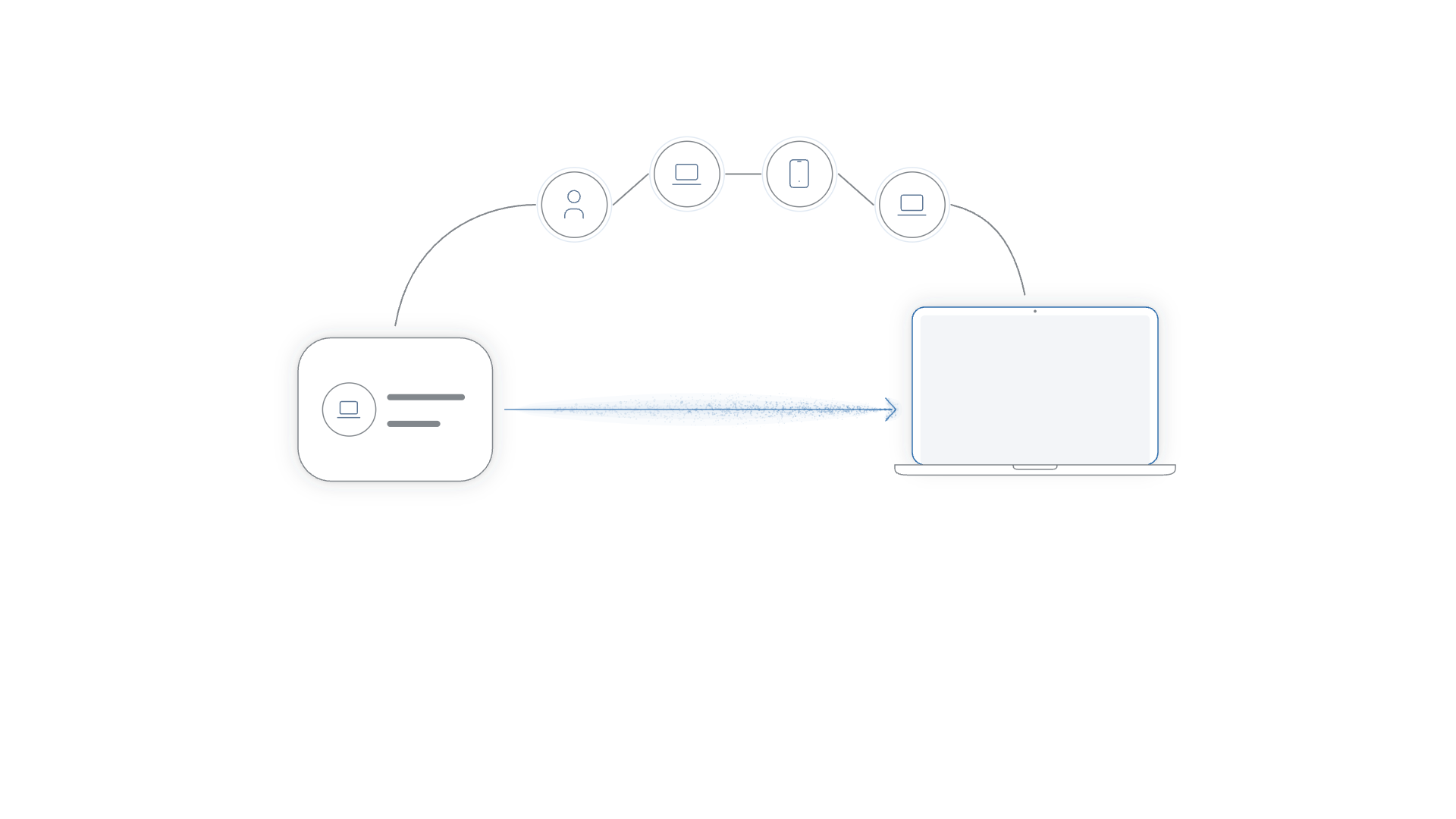
Works in Claude, ChatGPT, and more
Connect over MCP from Claude, ChatGPT, Cursor, VS Code, or any MCP-compatible client. No new tool for your team to learn.


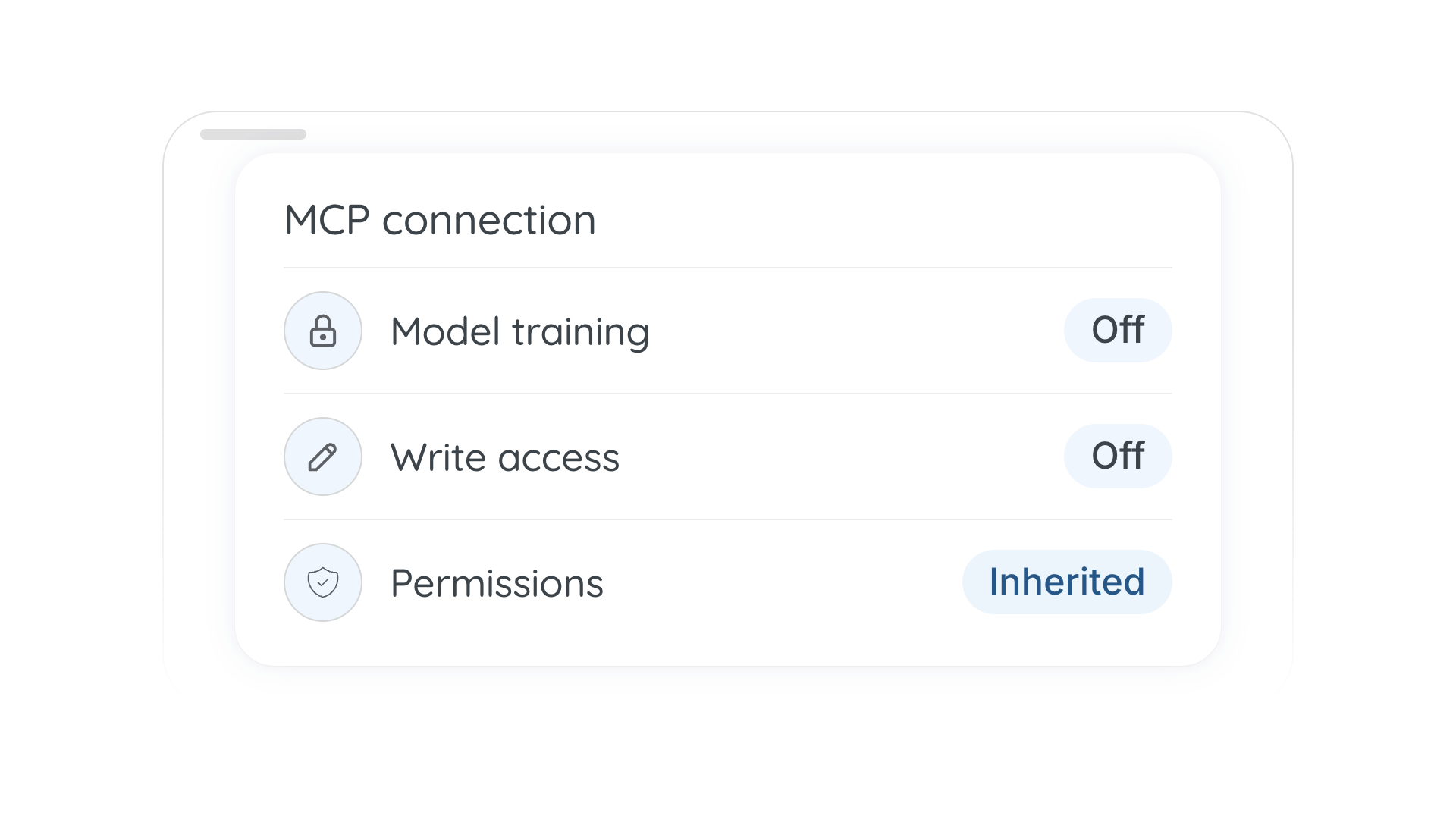
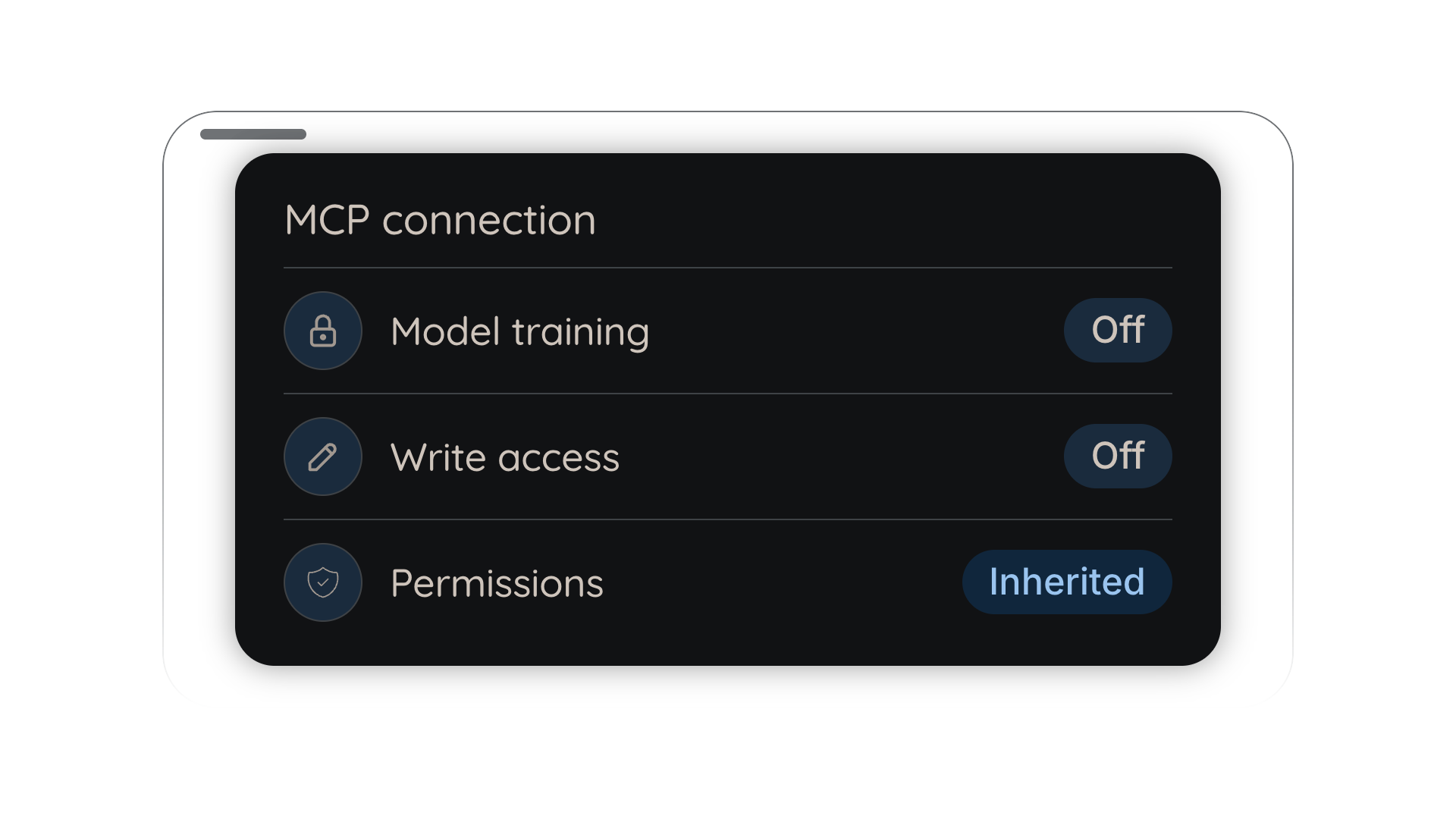
Your live data, read-only
The connection reads from Velory and can't change anything, so the answer reflects what is true now, not a stale export.
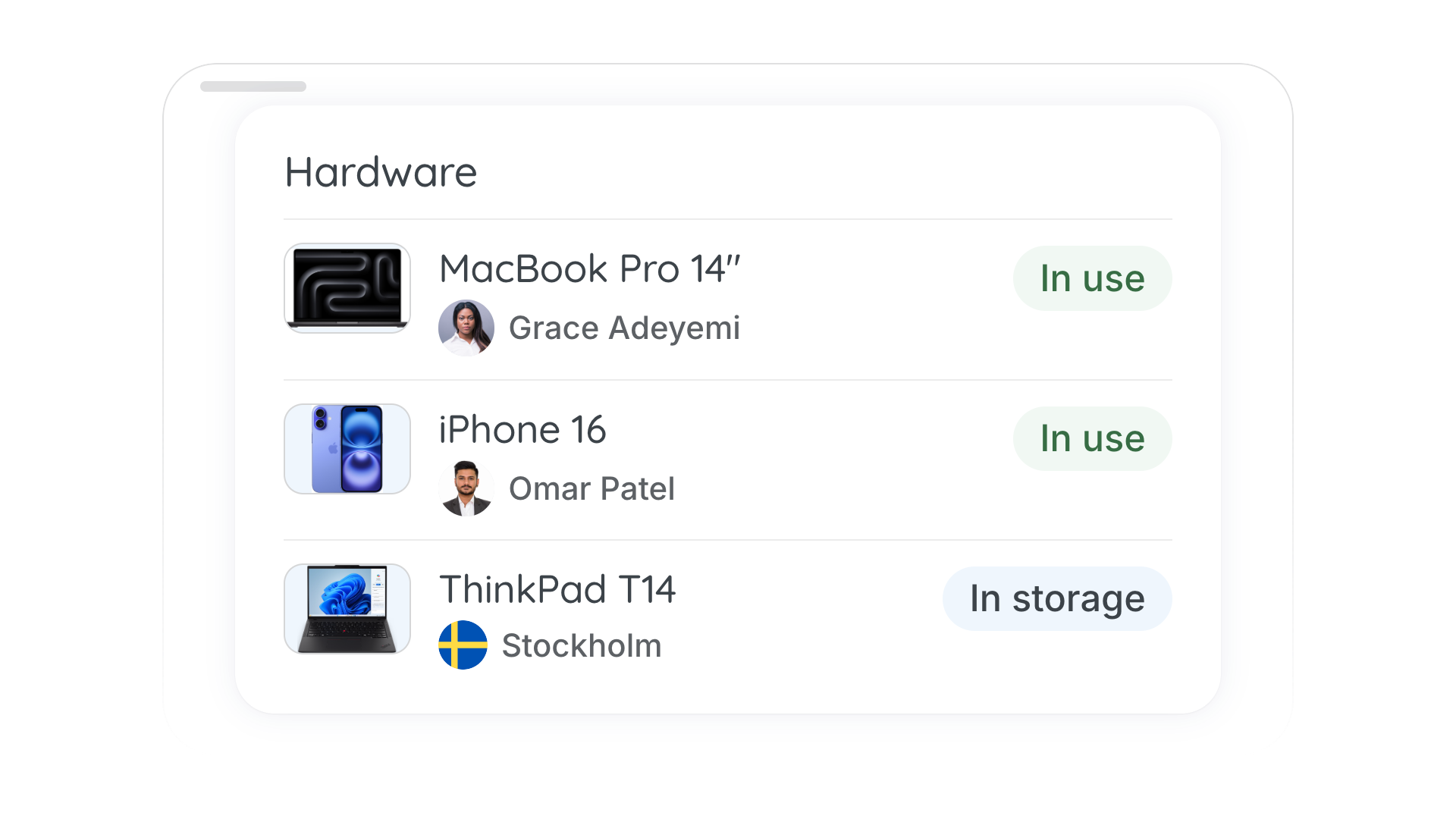
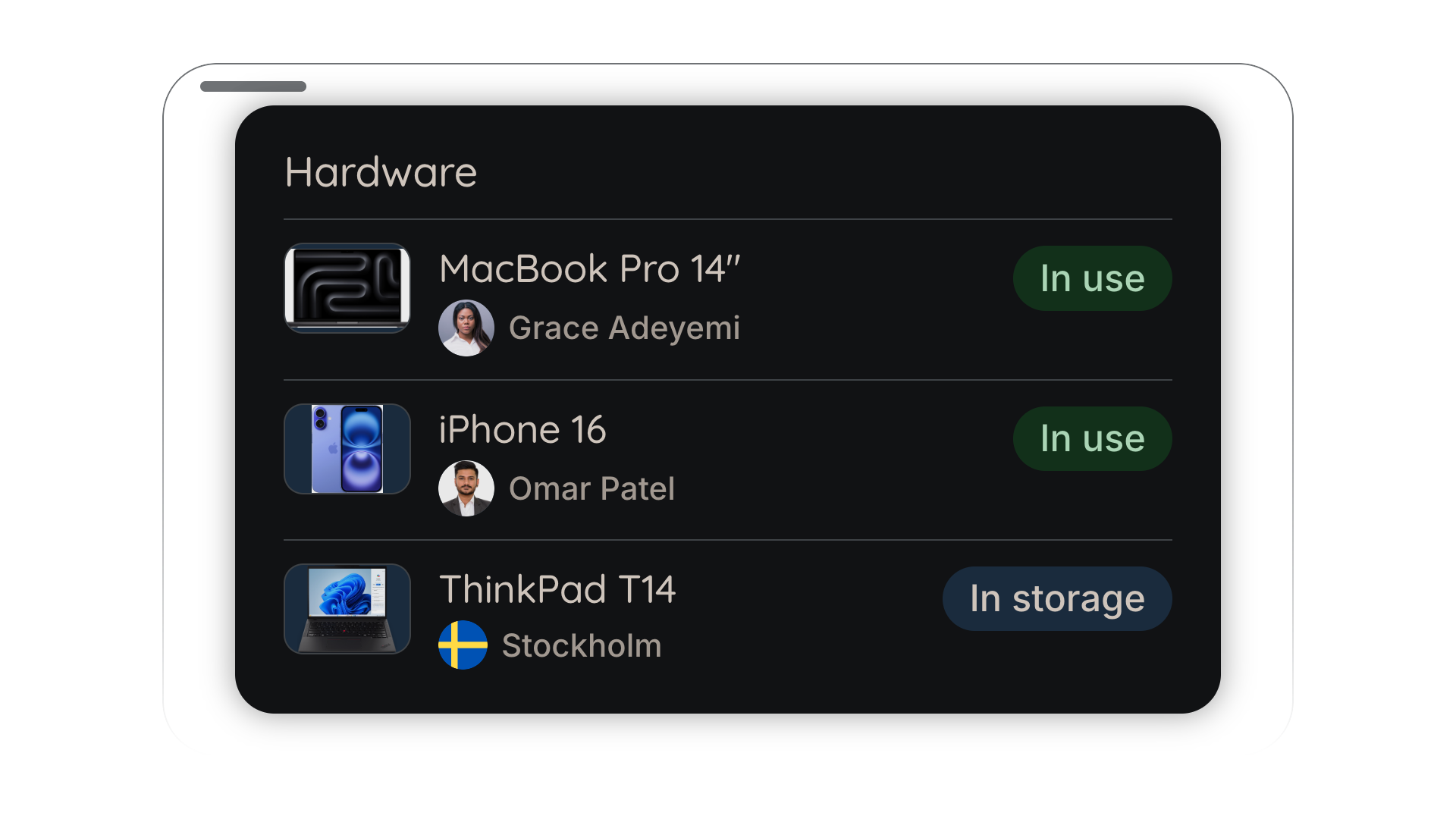
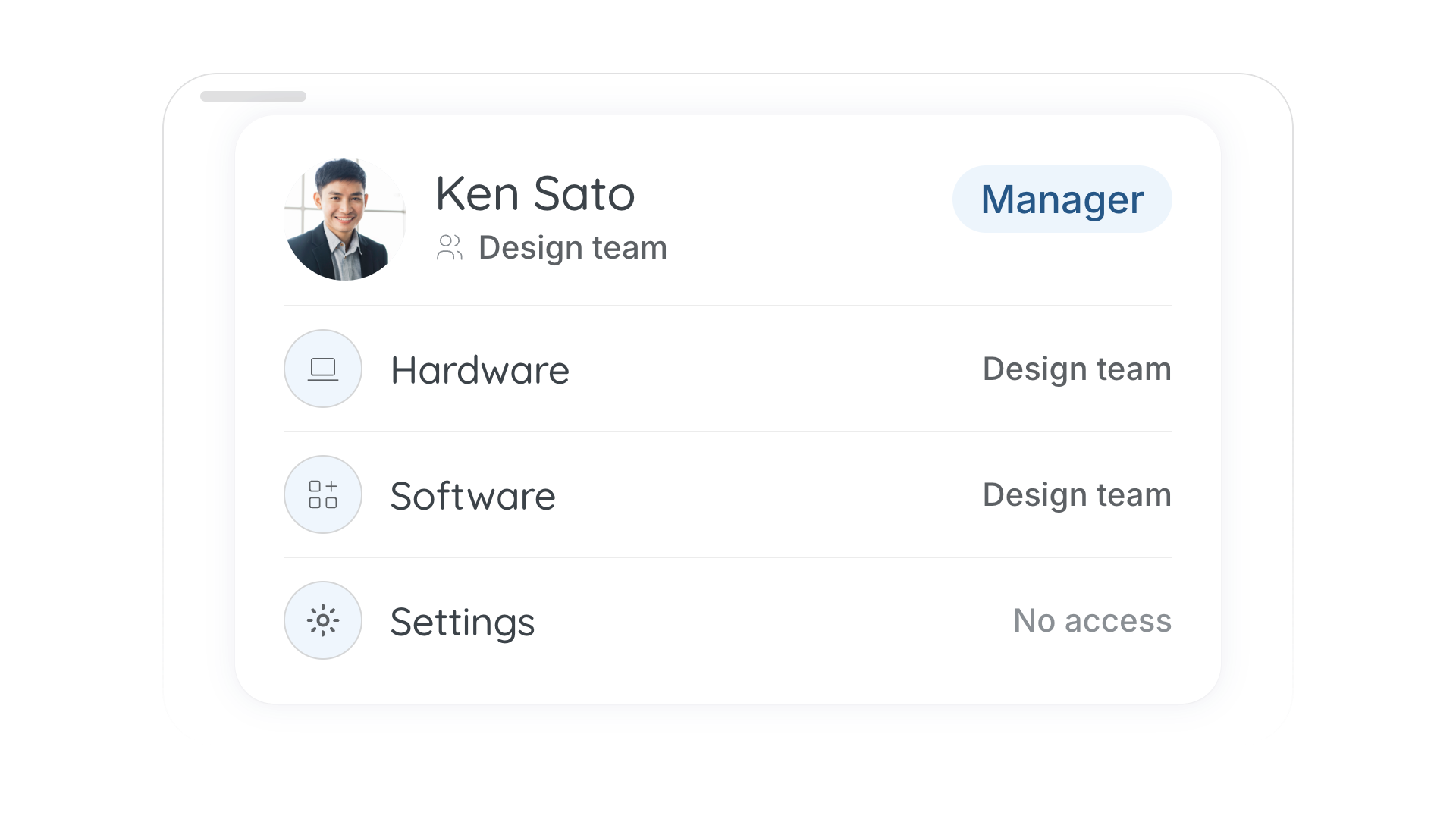
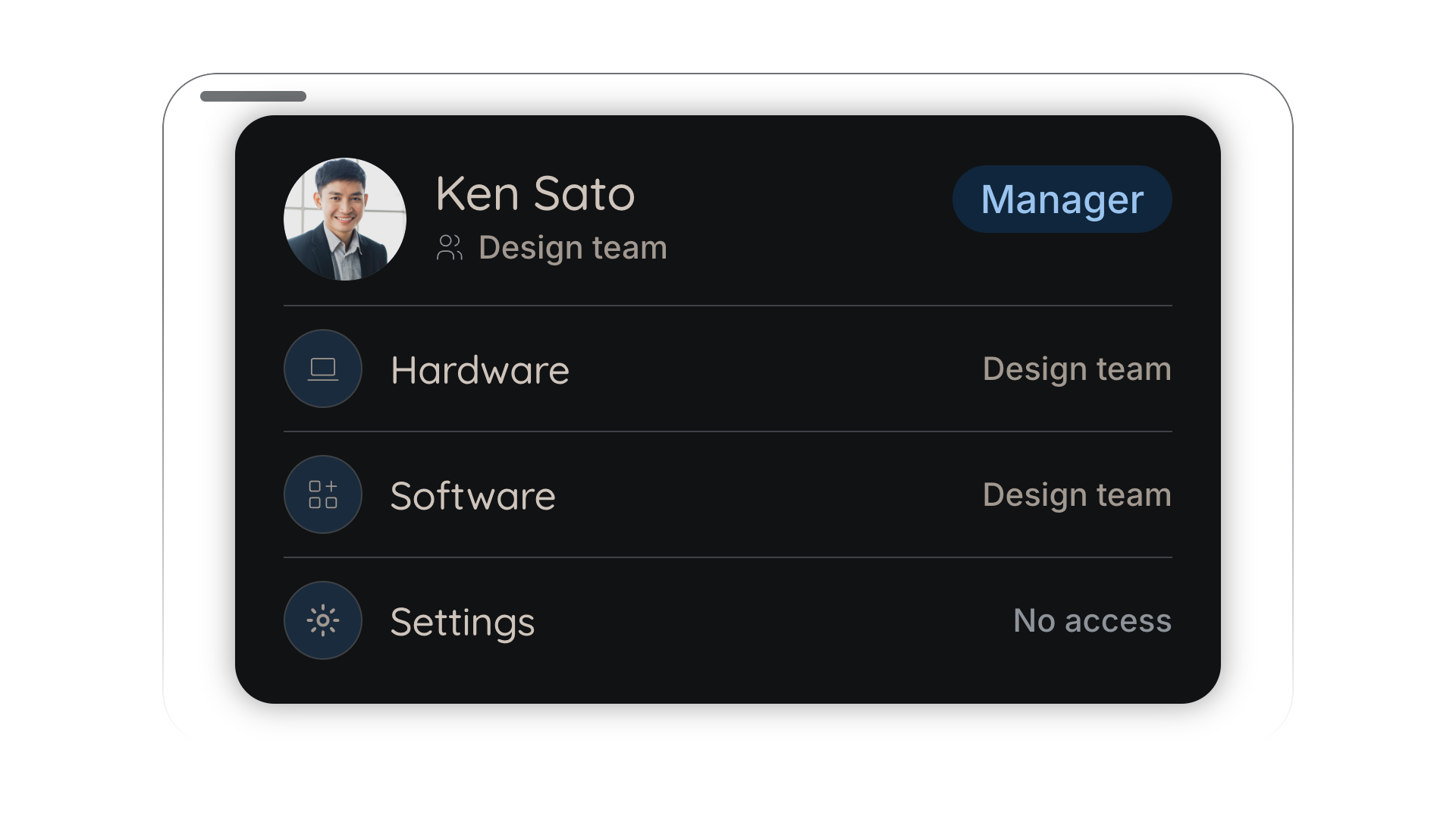
Governed by your permissions
Access inherits the roles you already set, so the AI only ever sees what the signed-in person can.
Never used to train models
Your data is yours, and it is never used to train an AI model.
Connect Velory, work where you already are
Velory runs your lifecycle, so it holds the answers: every asset, who has it, what it costs, when it renews. MCP connects that data to the AI tools your team already uses, so they can read it directly, without exporting anything or logging in somewhere new.
FAQ
It's a connection that lets AI tools like Claude and ChatGPT read your Velory data through the Model Context Protocol, an open standard for connecting AI assistants to business systems. It's read-only and follows the permissions you already set.
Things like: "Who left last month and still has a laptop?", "Which licences renew in October, and who actually uses them?", or "What does IT cost per employee in Sweden?" The answer comes straight from your live Velory data.
Claude, ChatGPT, Cursor, VS Code, and any MCP-compatible client. Connect over MCP and your live Velory data is available inside the tool your team already uses.
Yes. It reads your live Velory data and cannot change anything. The data stays in Velory; the AI tool just reads from it.
No. Access inherits your permissions, so it only ever reads what the signed-in person can already see.
No. Your data is never used to train an AI model.
Velory's Universal API (uAPI). MCP exposes your lifecycle data to AI tools over that same secure, documented layer. The developer docs are at universalapi.io.