

Key takeaways
Total IT cost per employee is everything one person needs to work, added up per month: their hardware (bought or leased), their software and SaaS seats including AI tools, their mobile plan, and a share of what the whole company uses. The number usually goes wrong on the costs attached to nobody, such as idle devices, licences nobody reclaimed and phone plans still billing after people leave. You get a figure you can trust once every asset sits against the person who holds it.
Finance asks a fair question: what does IT cost us per employee? The laptop is the easy part, since it's on an invoice or a lease contract. Software is harder, because the seats sit in a dozen admin consoles and a few were bought on someone's card, and the phone plan is somewhere between finance and the local office.
To see the total IT cost per employee across hardware, software and mobile, you need two things: a clear list of what to count, and a way to put every cost against the person it belongs to. This article covers both, plus the hidden costs that usually drop out of the number and the step where most of the work sits.
What is total IT cost per employee?
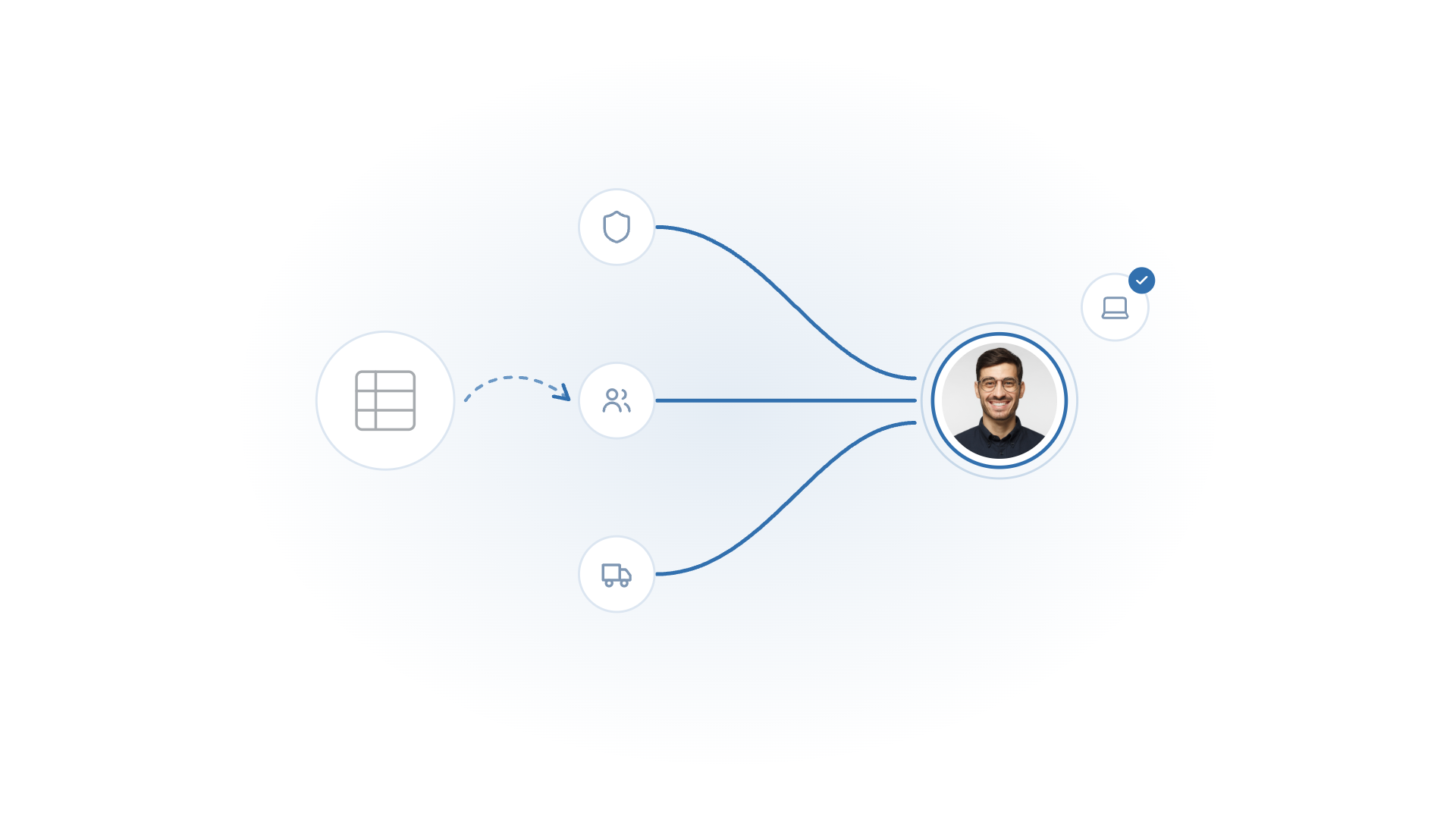
Total IT cost per employee is the monthly cost of every IT asset assigned to one person, plus their share of the IT costs everyone shares. It covers hardware, software and SaaS, and mobile subscriptions, and it's usually expressed per month so it sits next to salary and other per-head costs in a budget.
Two versions are useful. The cost for one named person answers questions like what it takes to equip a new hire in sales. The average across all active employees is the figure that goes into budget planning and headcount models. Both come from the same data, and the method below gets you both.
What should you count?
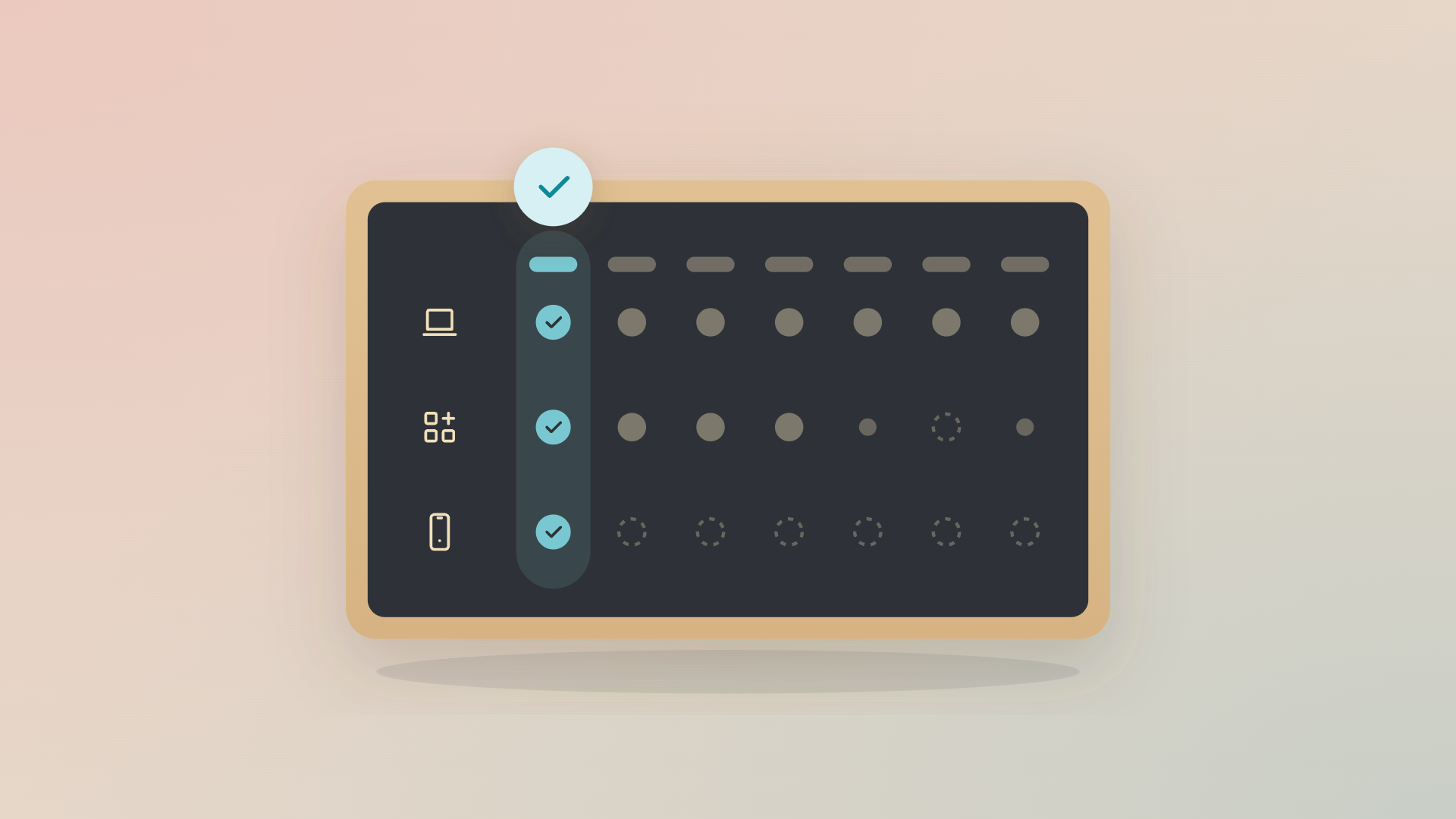
Count four buckets: hardware, software and SaaS with AI tools included, mobile, and a share of shared IT costs. The table shows what goes into each and where the data tends to sit today.
Software deserves a closer look than it usually gets. AI tools are licensed per seat like any other SaaS and get adopted faster than anyone can track, so they belong in the software bucket with an owner for every seat, instead of in a separate line nobody reconciles.
How do you calculate IT cost per employee, step by step?
List every active employee, attach every asset and seat they hold, turn each into a monthly cost, and add a share of the shared costs. Then total the unassigned costs separately, because that's where the money leaks.
- Start from the HR system's list of active employees, excluding leavers.
- Attach every device to a person. Where you can't, put it on an unassigned list so it stays in view.
- Turn hardware into a monthly figure: the purchase price divided by the months you plan to keep the device, or the monthly lease fee. Pick one refresh cycle per device type and use it consistently.
- Add each person's software seats at their monthly price, and their mobile plan.
- Add shared costs divided by the number of active employees.
- Total it per person, then average it across everyone, a department or a country.
Step 2 is where the real work starts. A device without a named holder can't be costed to anyone, so it drops out of the per-employee figure while it's still on the books.
Which hidden costs does the number usually miss?
It misses the costs attached to nobody: devices sitting idle in storage, devices that never came back, licences still assigned to people who left, seats nobody opens, and phone plans billing after offboarding. They don't appear in cost per employee because there's no employee to put them on, which is also why they last.
- Idle hardware: returned laptops in a storage room, paid for and unused, while the next new hire gets a new one.
- Unreturned devices: hardware that stayed with a leaver. When Playground Tech got full visibility, its CTO Sebastian Rosander said: "There are probably a couple hundred thousand Swedish kronor worth of devices in circulation that we didn't have full visibility on before we started using Velory."
- Licences after leavers: a seat stays assigned, and billed, until someone revokes it.
- Seats nobody opens: AI tools included, where a seat requested through a ticket can run for months with nobody using it.
- Mobile plans after offboarding: someone leaves, the device comes back, but the mobile subscription keeps running for months. Each one turns into a decision once you can see it. An idle laptop goes to the next starter before anyone places an order, an unused seat gets reclaimed before the renewal date instead of after the invoice, and a phone plan ends on the leaver's last day.
Why is IT cost per employee so hard to see today?
The inputs live in different systems with different owners. Invoices sit with finance, devices in the device management tool, seats in the admin console of every SaaS tool, and phone plans in an operator portal or with a local office.
Voyado's IT manager Jonny Sahlén described the before and after like this: "IT used to be a black hole where money disappeared. Now we can clearly show where every hardware and license cost goes."
How do you keep the number current instead of rebuilding it?
Keep every asset on the record of the person who holds it, from the day it's ordered to the day it's retired. Cost per employee then becomes a question you can ask any day of the month, and the quarterly rebuild goes away.
That's the job Velory does as the engine that runs IT lifecycle management:
- People. The HR system starts and ends each person's lifecycle, so the employee list stays current.
- Hardware. Devices ordered through the store land on the person they were ordered for, devices bought elsewhere come in from your device management tool, and leased devices carry their contract terms.
- Software and AI tools. Usage syncs against the licences you pay for through your identity provider (Microsoft Entra, Okta or Google Workspace). Each service gets an A to D grade on real use, idle seats are flagged to reclaim, and renewals are flagged before they charge.
- Mobile. Plans sit on the same record, with their cost per subscription.
From there you can ask in plain language what IT costs per employee in the sales team, or which leavers still hold a licence, and the answer comes from the record finance and IT both use. Voyado, for example, reports 80% faster budget forecasting and planning since moving to Velory.
Be ready for the first pass to be the slowest. Getting every existing device and seat onto a named person takes a clean-up, and the unassigned list will be longer than you'd like. That list is also where the first savings are.
Where should you start?
Start with the HR system's list of active employees and the devices nobody can name a holder for. Once every asset has an owner, IT cost per employee is simple arithmetic: hardware spread across its life, every software and AI seat, the phone plan, and a fair share of shared tools. The costs attached to nobody are the difficult bit, and finding them is also where the savings come from. If you want to see what that record looks like across hardware, software and mobile, take the product tour.
Frequently asked questions
Is there a benchmark for IT cost per employee?
The figure varies with role mix, refresh cycle and whether you lease or buy, so your own number tells you more than an industry average. If you want an outside reference, use a published benchmark and compare like with like.
How should leased devices be counted?
At the monthly lease fee for as long as the contract runs. Add any buyout or end-of-contract cost in the month it falls, so it doesn't surprise the budget.
Do AI tools count as software or as their own category?
As software and SaaS. An AI seat is a licence assigned to a person, so it belongs on their record and gets reclaimed when they leave or stop using it.
How do you split company-wide software across employees?
Divide the monthly cost by active employees. If only one department uses a tool, divide it across that department instead, so the per-team figures stay honest.
How often should you recalculate it?
Monthly if the data is live, and at least before budget planning. A number rebuilt once a year misses everything that changed in between.
Who should own the number, IT or finance?
Both, working from the same data. IT knows who holds what, finance knows what it costs, and the figure gets trusted when they look at one record.